
Simplify Chromebook Check-in and Check-out

Instinctive Software

Seamlessly manage your Chromebook deployment and collection cycles this year.

Eliminate the Friction of Chromebook Rollouts and Returns

This powerful software empowers you to effortlessly streamline your Chromebook inventory and accountability from day one. Say goodbye to manual tracking headaches and embrace immediate, automated association of devices with students. Your staff will gain precious time back, enabling them to focus on EdTech initiatives rather than logistical tangles, while ensuring accurate records and seamless device handovers.

"In 10 minutes I finished the next 2 weeks of work tagging and rolling out new Chromebooks. THIS IS AWESOME!”

Director of IT @ 10,000 student district

About Instinctive Chromebook Checkout Software

Instinctive Chromebook Checkout streamlines the management of Chromebooks within schools, simplifying the assignment and collection process to enhance inventory tracking and accountability.

It integrates seamlessly with existing Google Admin Console setups, enabling efficient student or staff linking to devices and centralized user assignments.

Self-Service Checkout

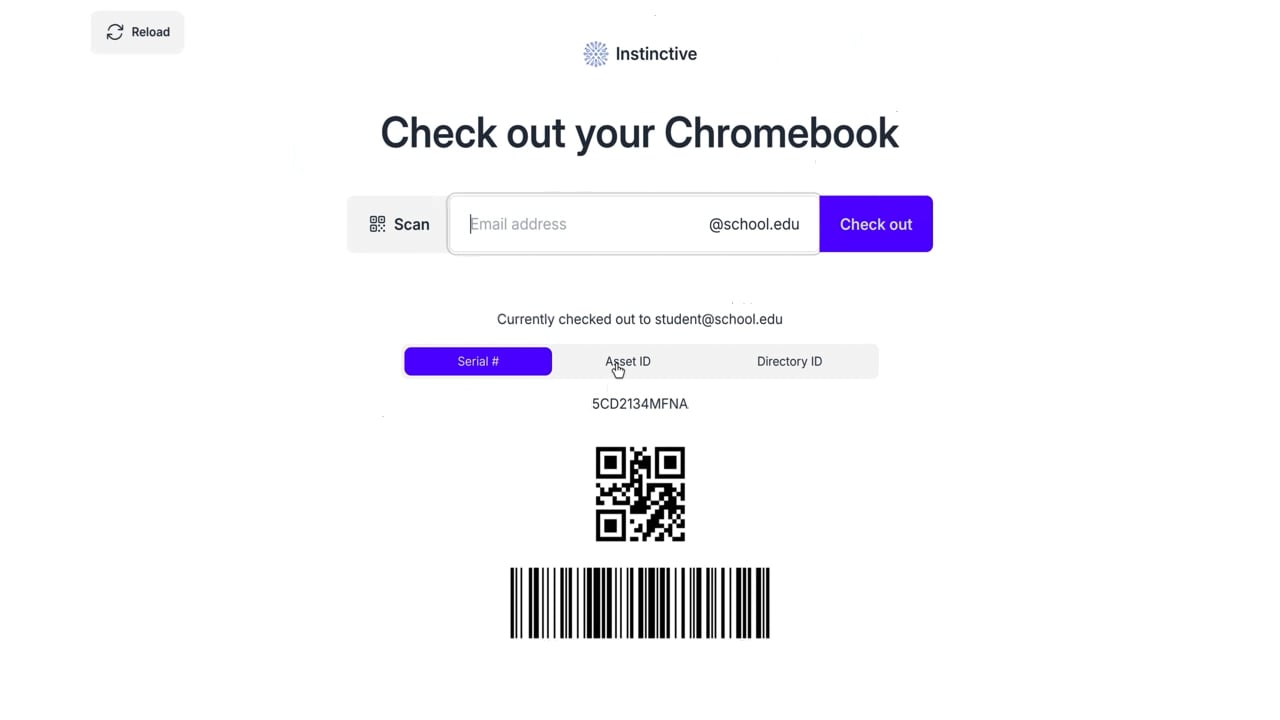
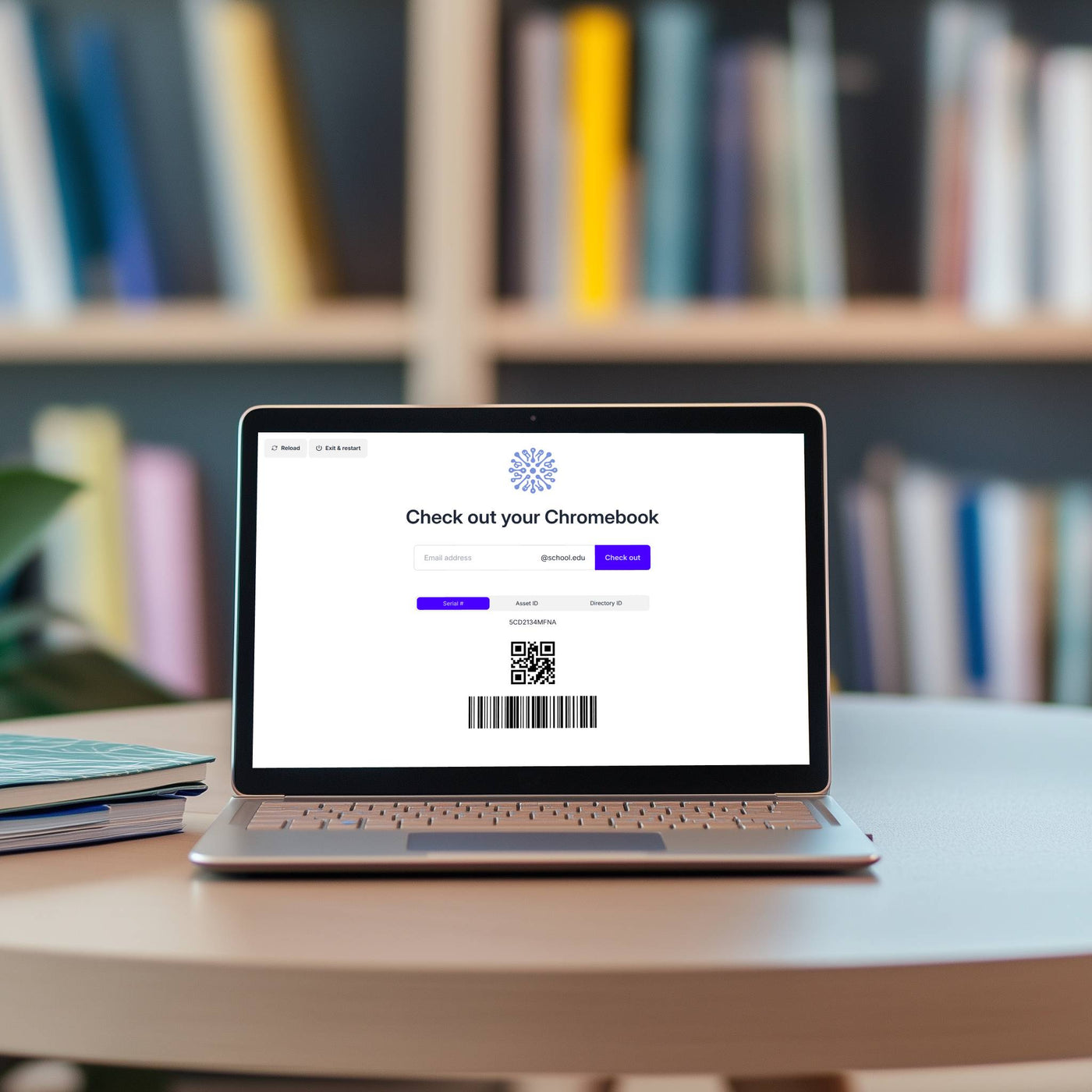
Students and staff can easily check out devices by entering their username and agreeing to terms, automatically linking their account and device.

Centralized User Assignment

Leverages existing Google tools and access controls for efficient management of device assignments within the Google Admin Console.

Scannable Virtual Asset Tags

Provides scannable QR codes or barcodes for easy tracking, which can be automatically generated or used with existing tags.

Multi-Config Ready

Enables districts to customize workflows for different school levels or staff, linking them to specific Google Organizational Units (OUs).

Comprehensive Lifecycle Management

Offers bundled Check In, Checkout, and Virtual Asset Tag services to simplify the entire Chromebook deployment and collection process.

Effortless Management for 60K+ District

CHALLENGE

Manually tracking 60,000 student Chromebooks across dozens of schools was a monumental and unscalable manual task.


SOLUTION

With Instinctive Chromebook Checkout, device management is transformed. During checkout, students sign in on a kiosk app, which automatically links the Chromebook to their accounts in the Google Admin Console and Incident IQ and moves it to the correct organizational unit.

For returns, a non-technical staff member simply scans the device. Instinctive automatically unlinks the student, clears local data, and creates a damage ticket in Incident IQ if needed. This system empowers all staff to manage Chromebooks efficiently, freeing up valuable tech resources.

Let's Get Started!