

Asset data becomes valuable when it drives action. A district may have thousands of complete records, but without a reporting routine, important issues remain hidden. The following five reports can help school IT departments identify risk, prioritize work, and communicate more clearly with administrators and finance leaders.
1. Missing and Unverified Devices
This report should identify assets marked missing, not seen during recent audits, assigned to inactive users, or unchanged for an unusually long period. Review it regularly and assign each exception to a staff member for follow-up.
Why it matters: Early action improves the chance of recovering devices and prevents unresolved records from accumulating until year-end.
Use Rocket by CTL to build clearer school IT asset reports and make inventory data more actionable.
2. Unassigned and Available Inventory
Track devices that are ready for deployment, held as spares, in loaner pools, or stored without a defined purpose. Include location and condition.
Why it matters: Visibility helps the district use existing equipment before making new purchases and allows technicians to respond faster when a student or teacher needs a replacement.
3. Repair Backlog and Repeat Repairs
Report devices under repair, awaiting parts, waiting for vendor action, or returned repeatedly for the same issue. Include age, model, warranty status, and repair count.
Why it matters: The report helps leaders prioritize work, identify bottlenecks, evaluate model reliability, and decide when replacement is more economical than another repair.
4. Warranty Expiration Report
Group active devices by warranty expiration date and highlight those approaching the end of coverage. Include devices with open repair issues that may still qualify for service.
Why it matters: Schools can complete eligible repairs before coverage ends and use warranty timing in refresh planning.
5. Help-Desk Ticket Performance
Track ticket volume, issue type, assigned technician, time to first response, time to close, parts or vendor costs, and repeat incidents by device model or school.
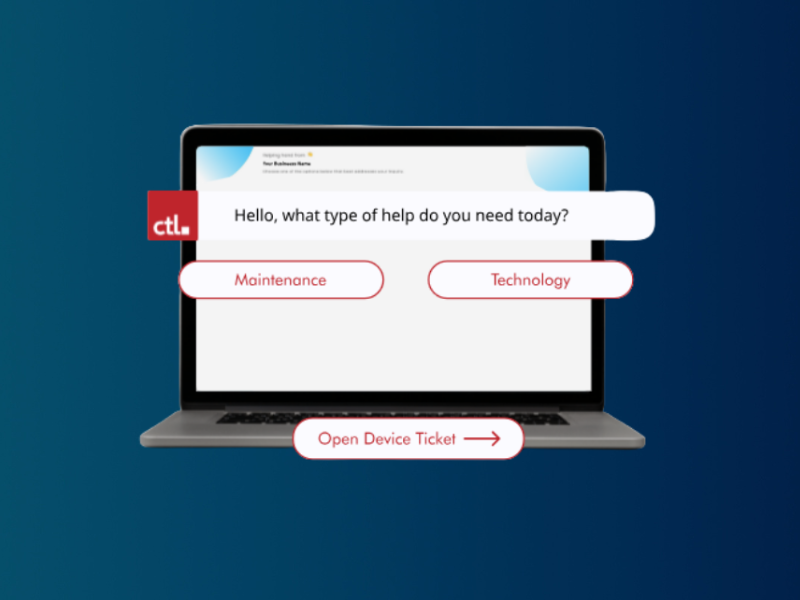
Why it matters: Help-desk reporting reveals bottlenecks, recurring problems, staffing needs, and opportunities to reduce resolution time and support costs. Rocket by CTL can track this service activity alongside technology asset records.
6. Device Age and Refresh Forecast
Group assets by purchase year, model, condition, expected useful life, and proposed replacement year. Summarize counts and estimated cost by fiscal year. Why it matters: This report turns inventory into a multi-year financial plan and helps avoid sudden large replacement requests. Depending on district needs, also review inventory by school, student-to-device ratios, accessory shortages, retired assets awaiting disposition, and audit discrepancies.
Create a Reporting Calendar
Not every report needs to run at the same frequency. Missing devices and repair backlogs may require weekly review. Warranty and refresh reports may be monthly or quarterly. Establish owners, recipients, and actions for each report.
Keep Leadership Reports Focused
Administrators and boards typically need trends, financial implications, and decisions rather than raw asset rows. Summarize what changed, why it matters, and what action is recommended.
Improve the Data Behind the Reports
Reports are only as useful as the records beneath them. Standardize statuses, require essential fields, and audit data regularly. Rocket by CTL provides K-12 schools with a free way to organize asset information and support more consistent reporting.
Use Rocket by CTL to build clearer school IT asset reports and make inventory data more actionable.