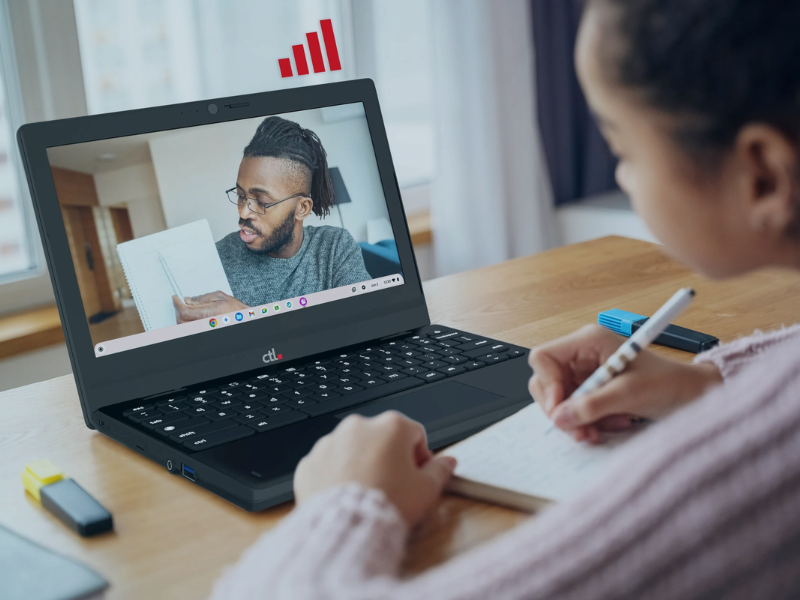


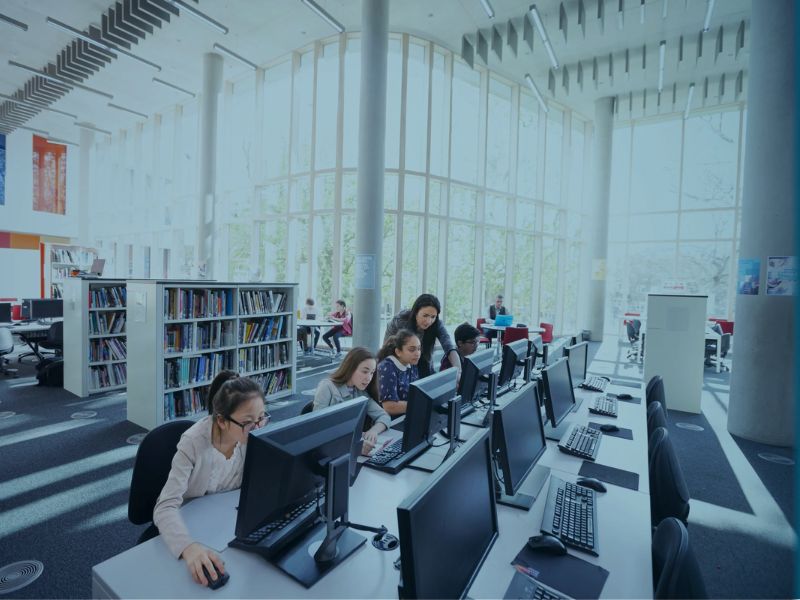
A patron finishing a job application. A group learning to use online tools. A family borrowing a computer for the week. Your library makes these everyday opportunities possible.
Build a technology program around the services your community needs. CTL can help you explore portable computers for lending and classes, desktop stations for public access, and cellular-enabled devices for connected outreach and borrowing programs.
Start with one branch, one program, or a broader refresh. We’ll work with you to identify device options and the requirements that matter to your team.
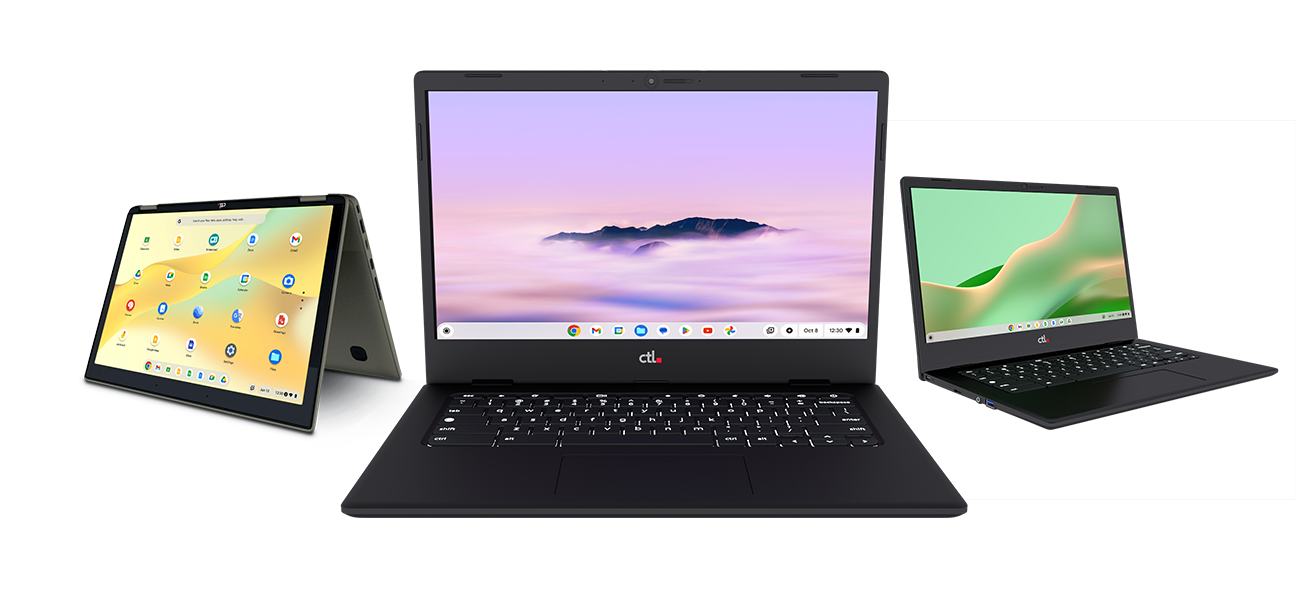
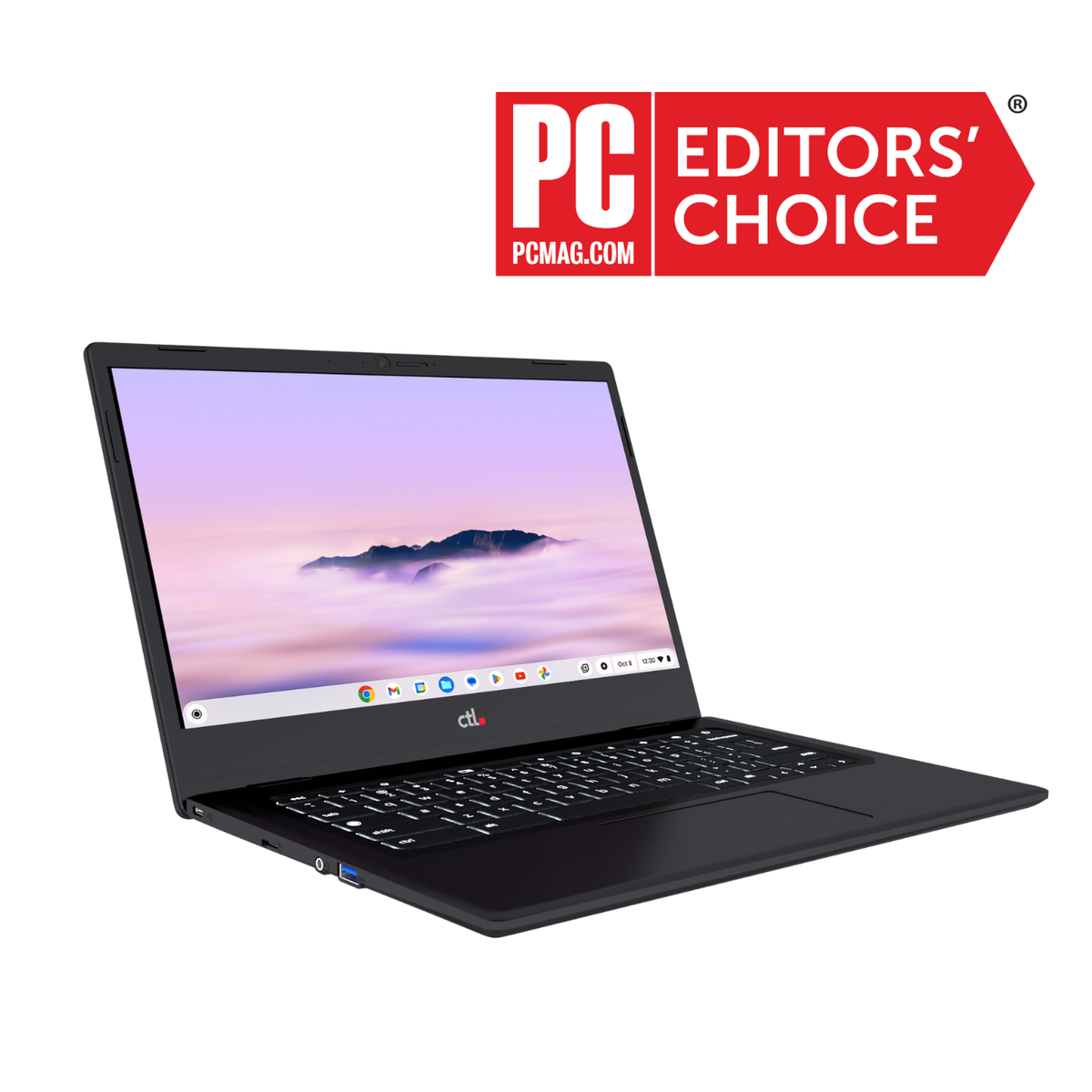
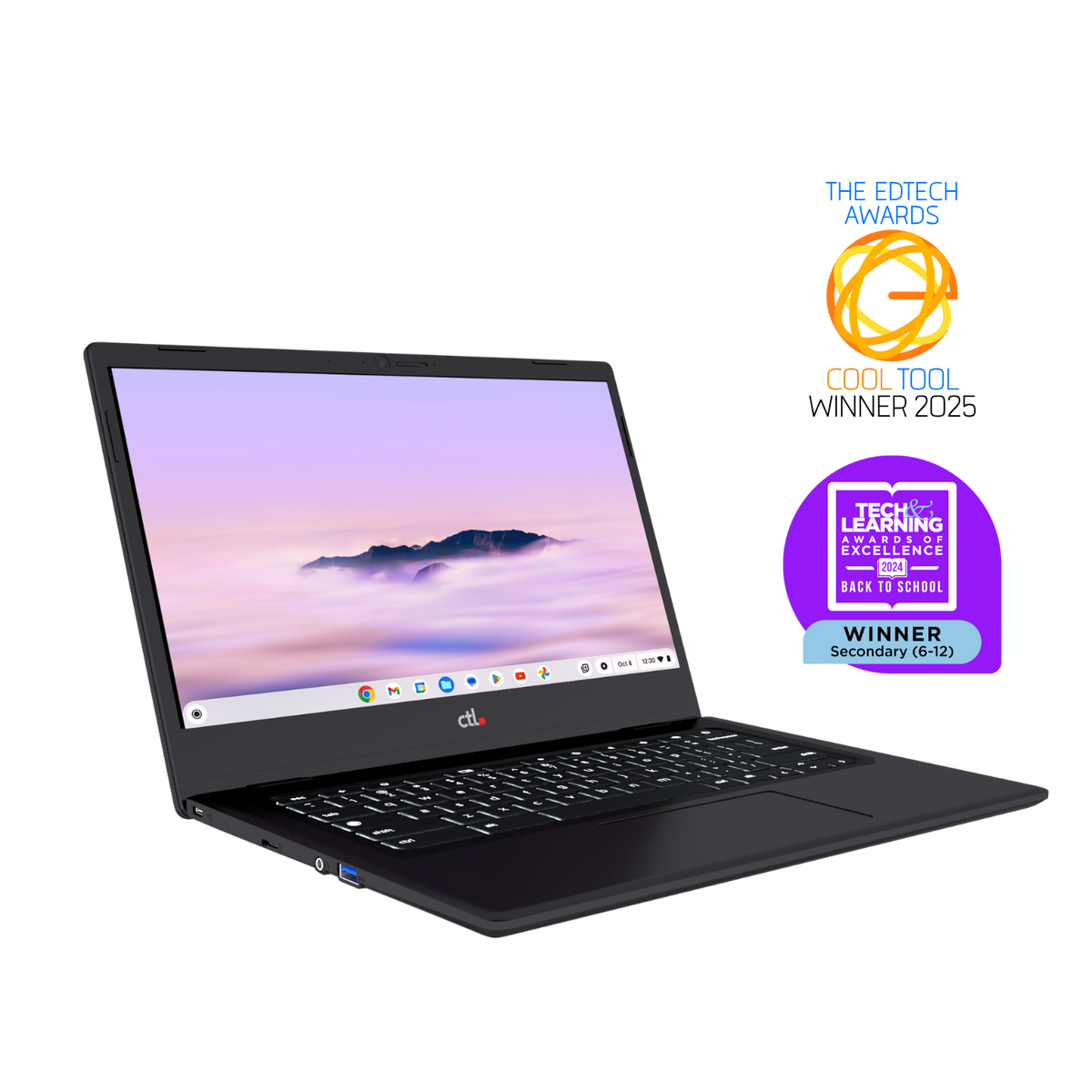
CTL Chromebooks
Bring flexible computer access to more spaces
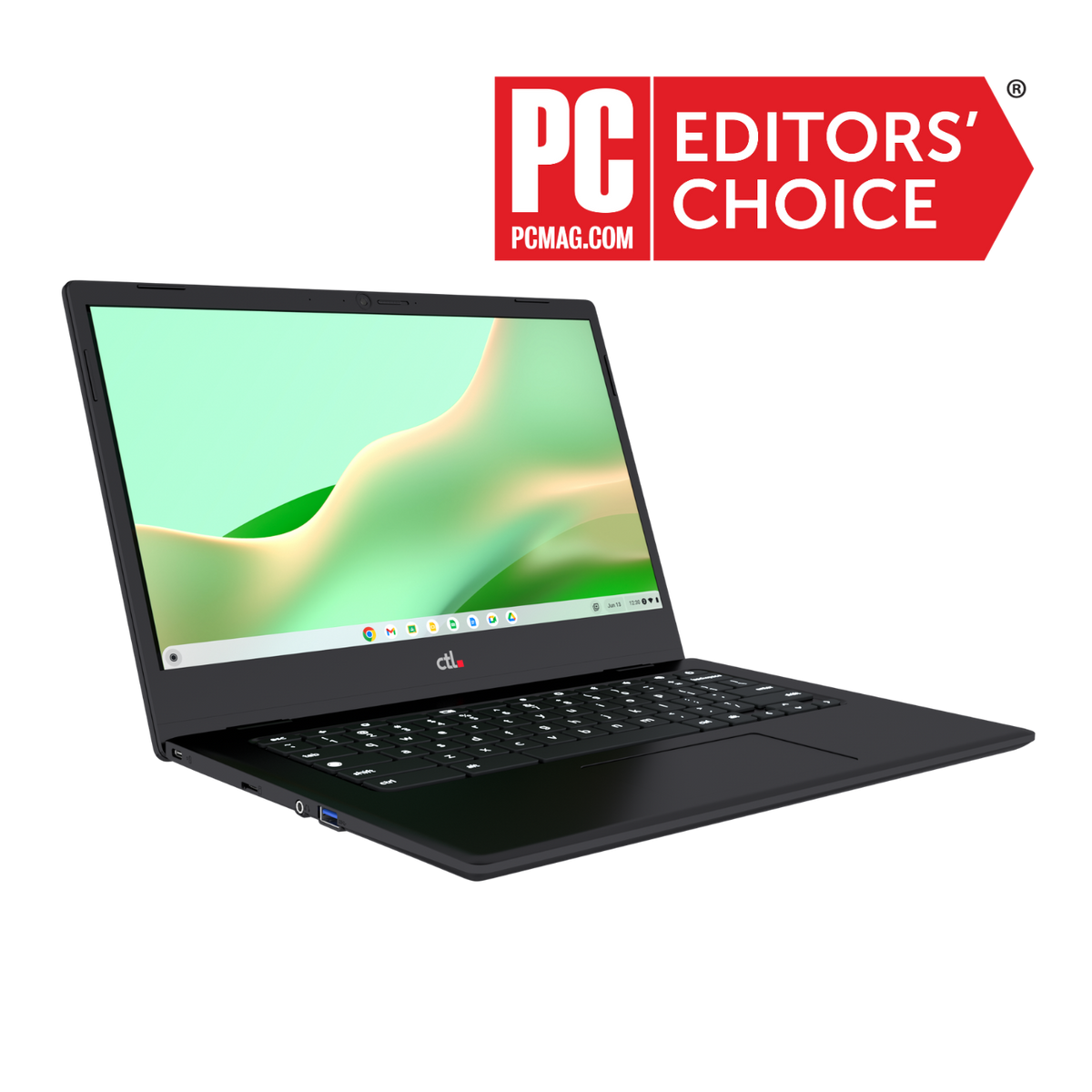
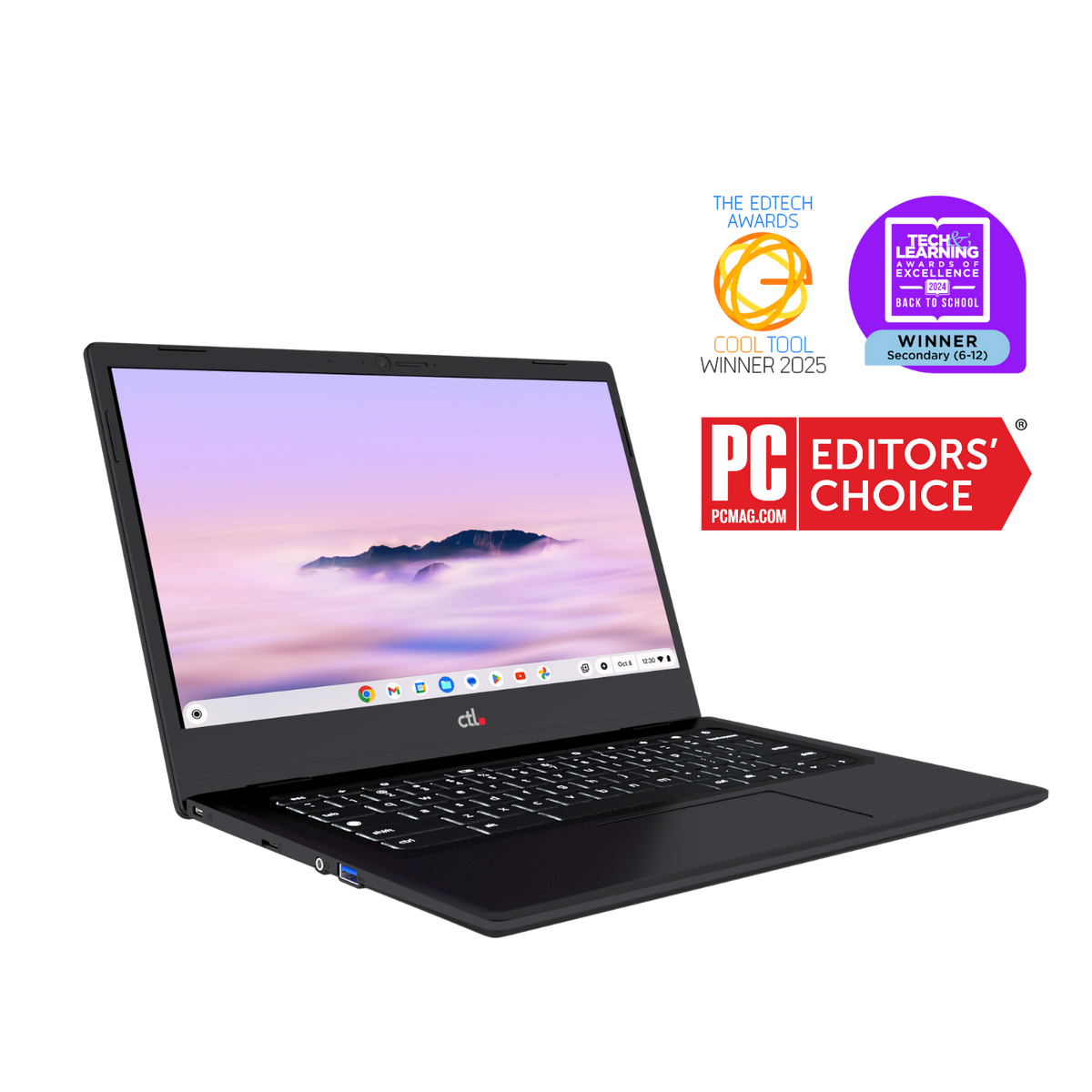
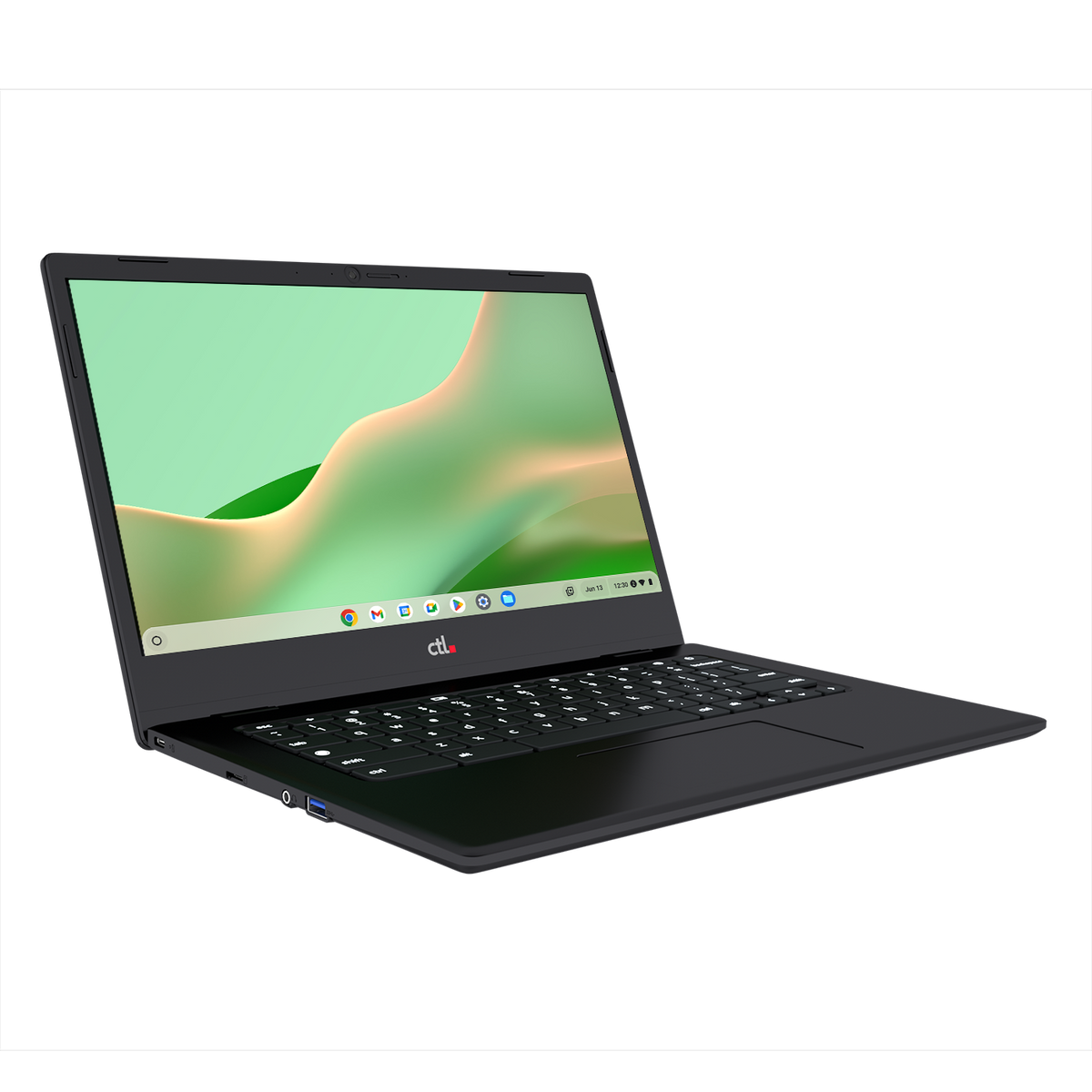
Give patrons an affordable, portable workspace for research, learning, and everyday online tasks. Use Chromebooks at library tables, in small-group classes or as part of a planned lending program.
- In-library checkout: let patrons work where seating and program space are available.
- Digital-skills classes: support guided practice with email, online applications, and browser-based productivity tools.
- Take-home lending: offer devices for patrons who have a suitable internet connection or a separate connectivity plan.
- Staff mobility: support compatible web-based work while staff moves between service areas.
Choose the screen size, form factor, and accessories around the intended users. Test your online resources, printing, and accessibility tools as part of the selection process.
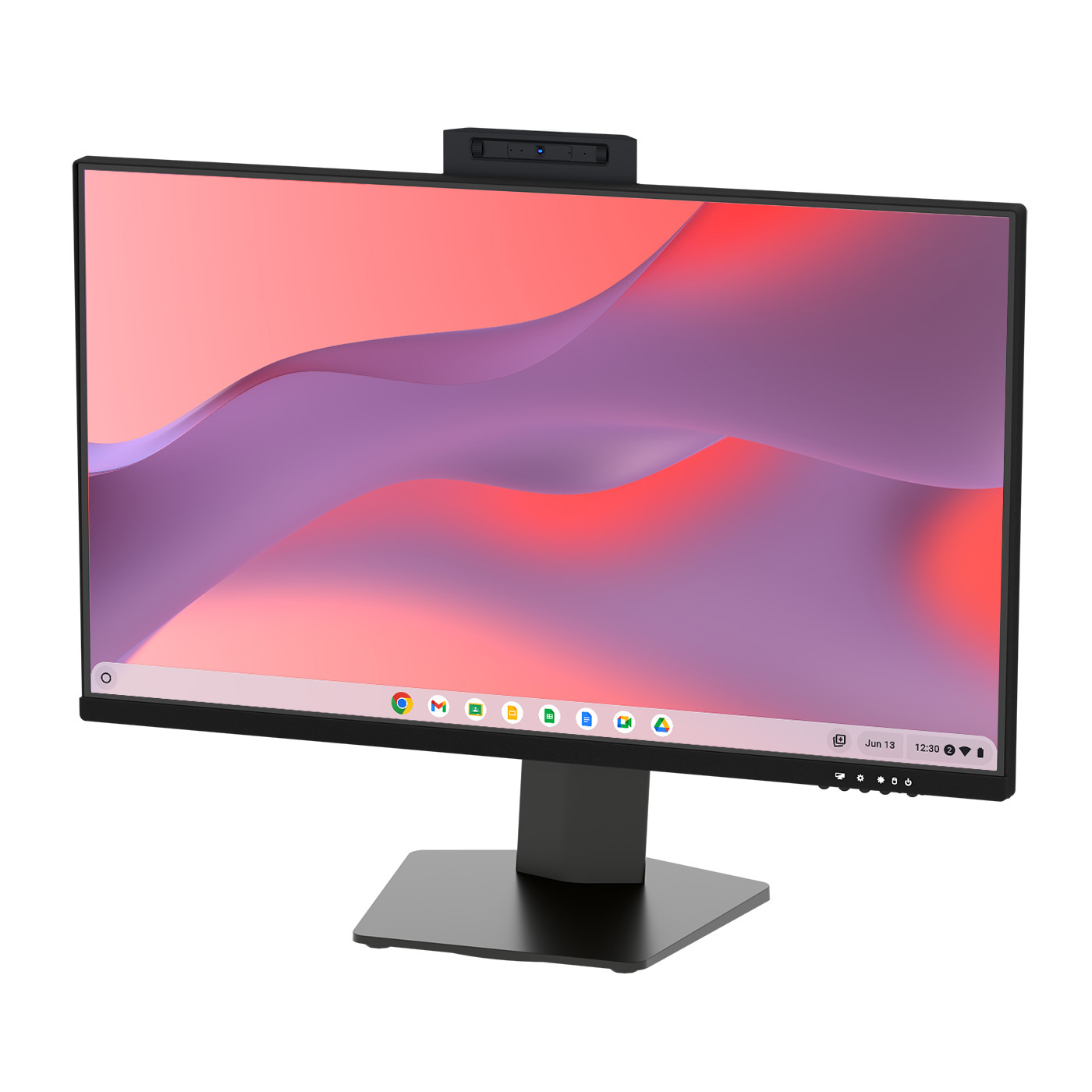
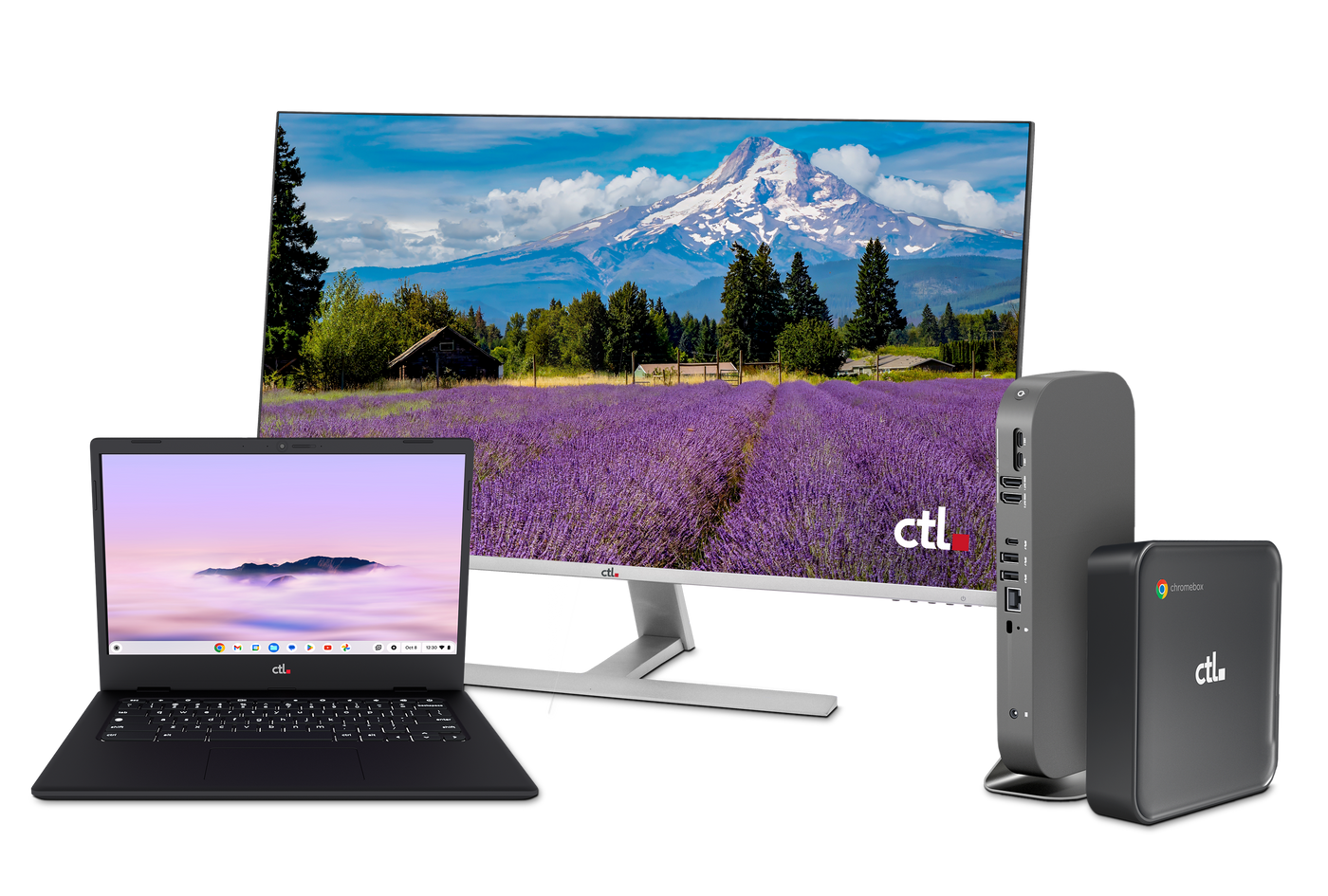
CTL OPS All-in-One with ChromeOS
Refresh public computer stations with a modular desktop
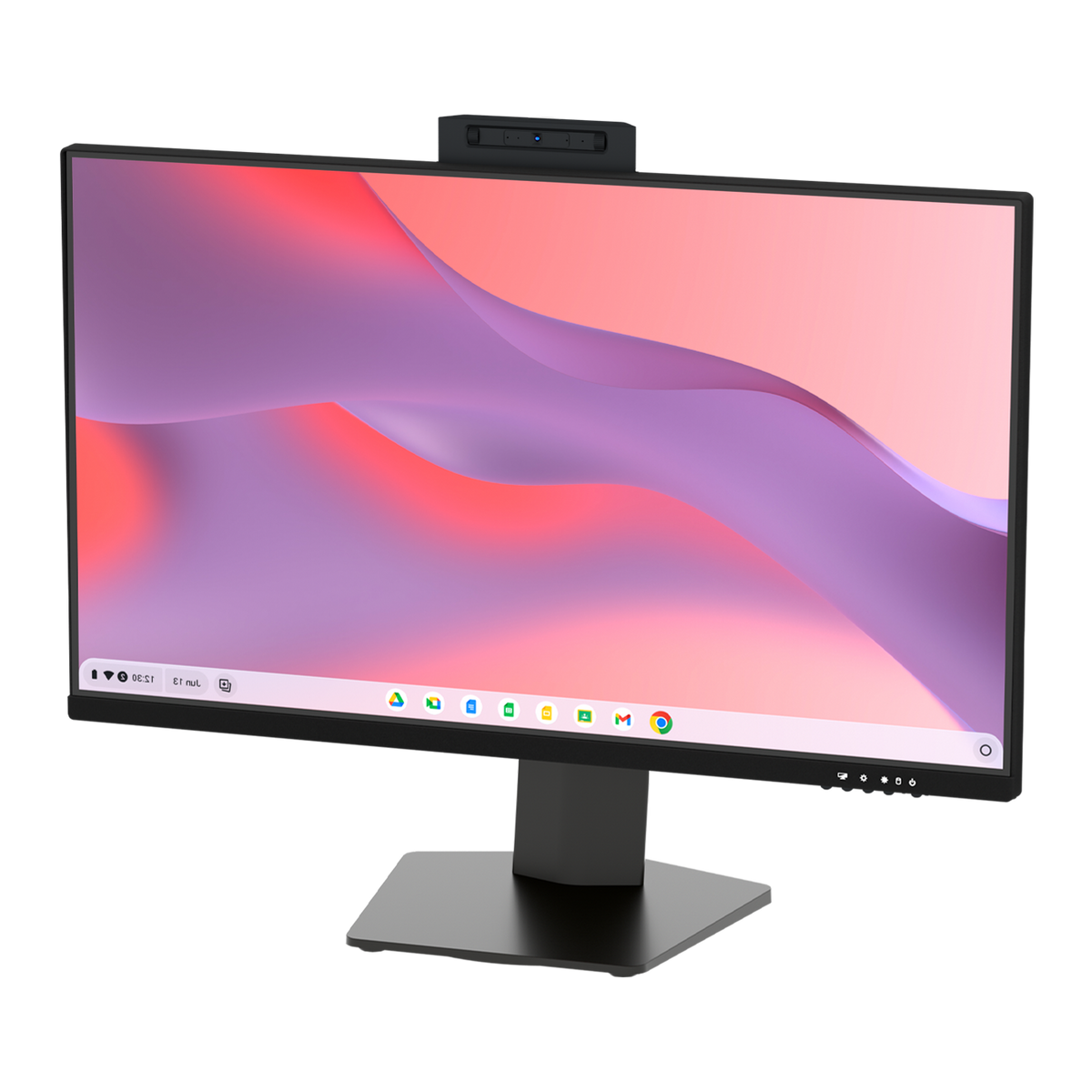
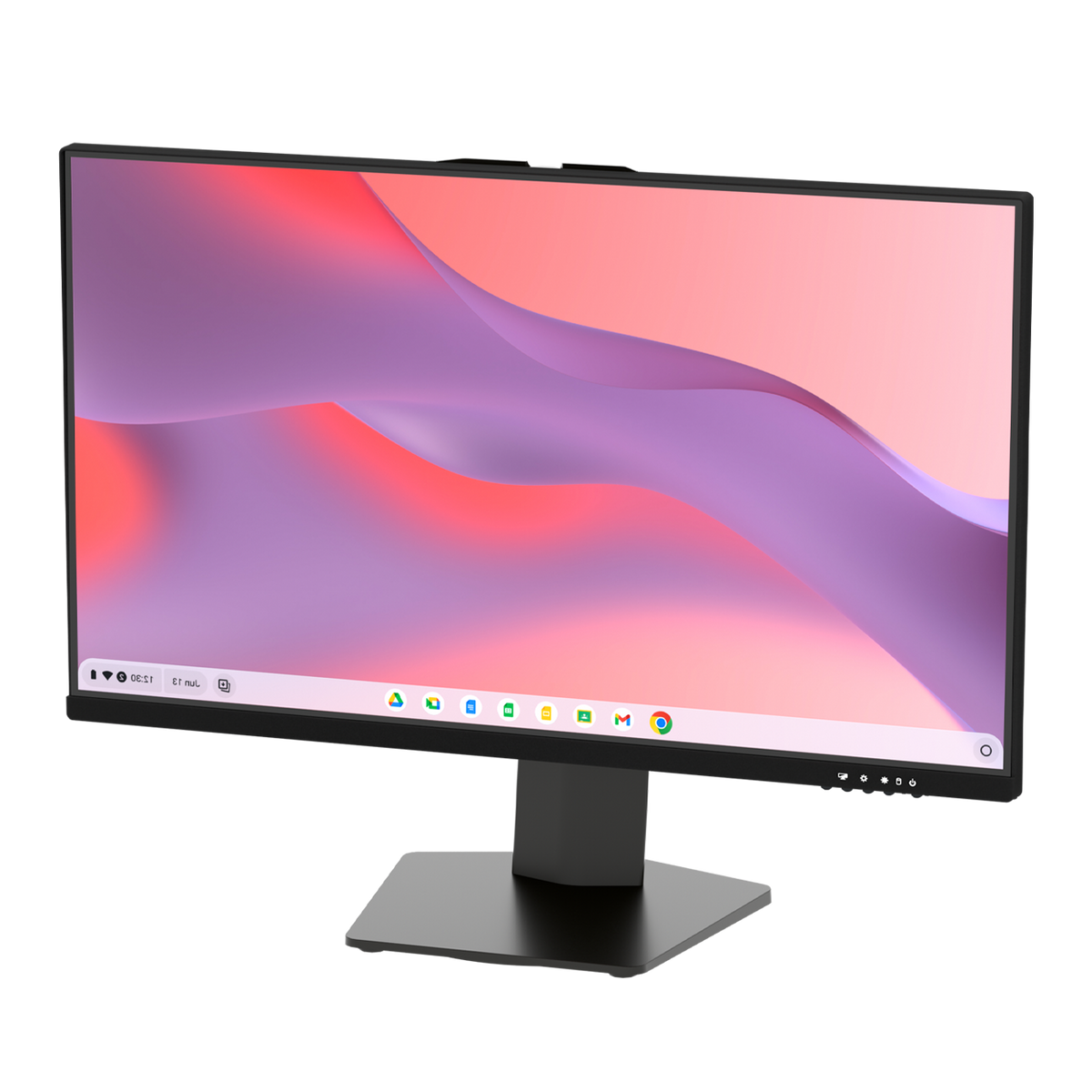
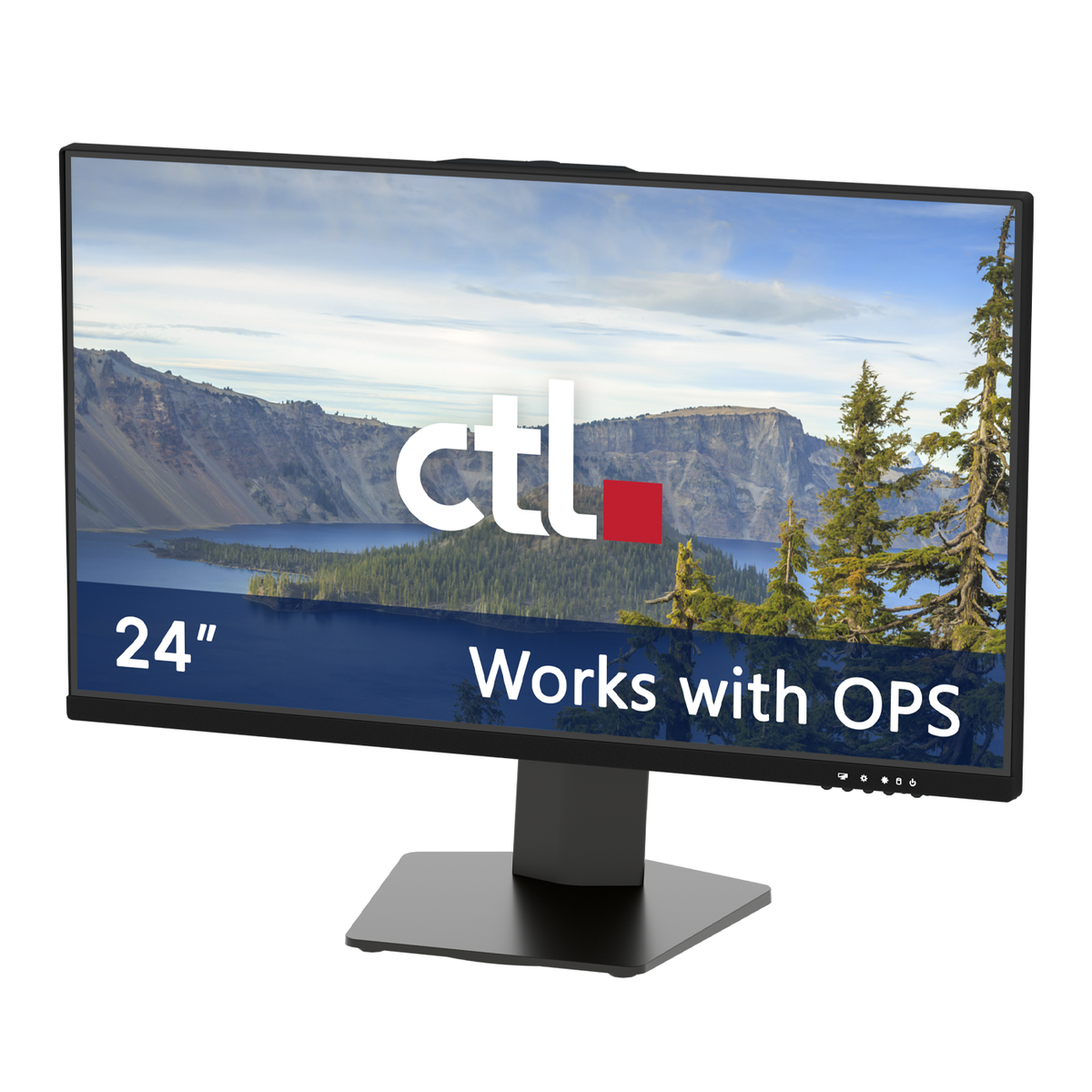
Create dedicated stations for patrons using your online catalog, completing applications or working with browser-based resources. CTL’s All-in-One monitor with an integrated, replaceable ChromeOS computing module, reducing separate desktop hardware and cable clutter.
- Public-access computers: provide a fixed workstation for research and online tasks.
- Catalog stations: create convenient access points for your web-based catalog.
- Learning labs: equip a consistent space for instructor-led digital-skills sessions.
- Service desks: evaluate a desktop configuration for compatible staff applications.
The modular design allows the computing module to be replaced while retaining a compatible monitor. Confirm reservation, printing, payment, and circulation software requirements before selecting your configuration.

Extend access beyond the library WiFi
Connected lending and device management
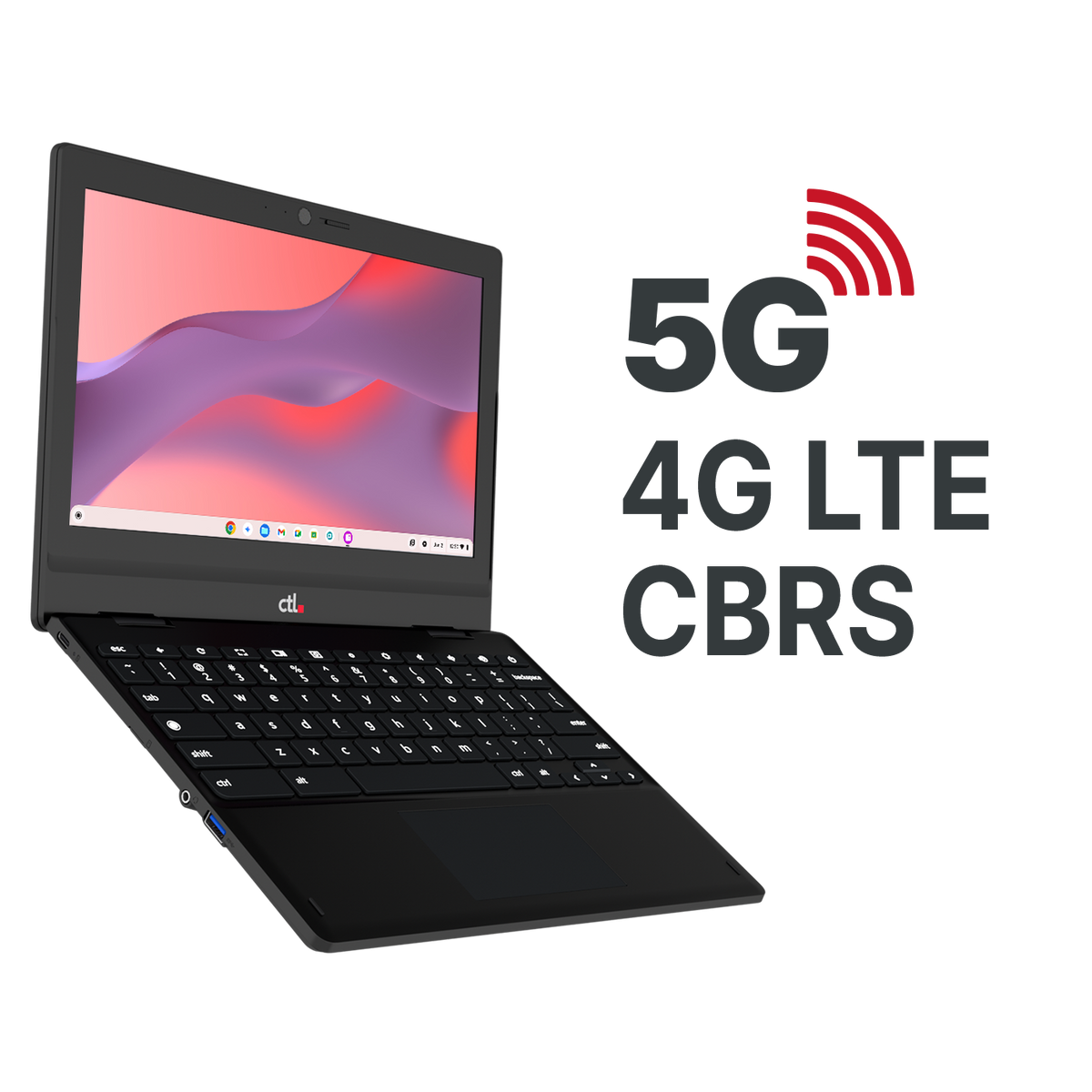
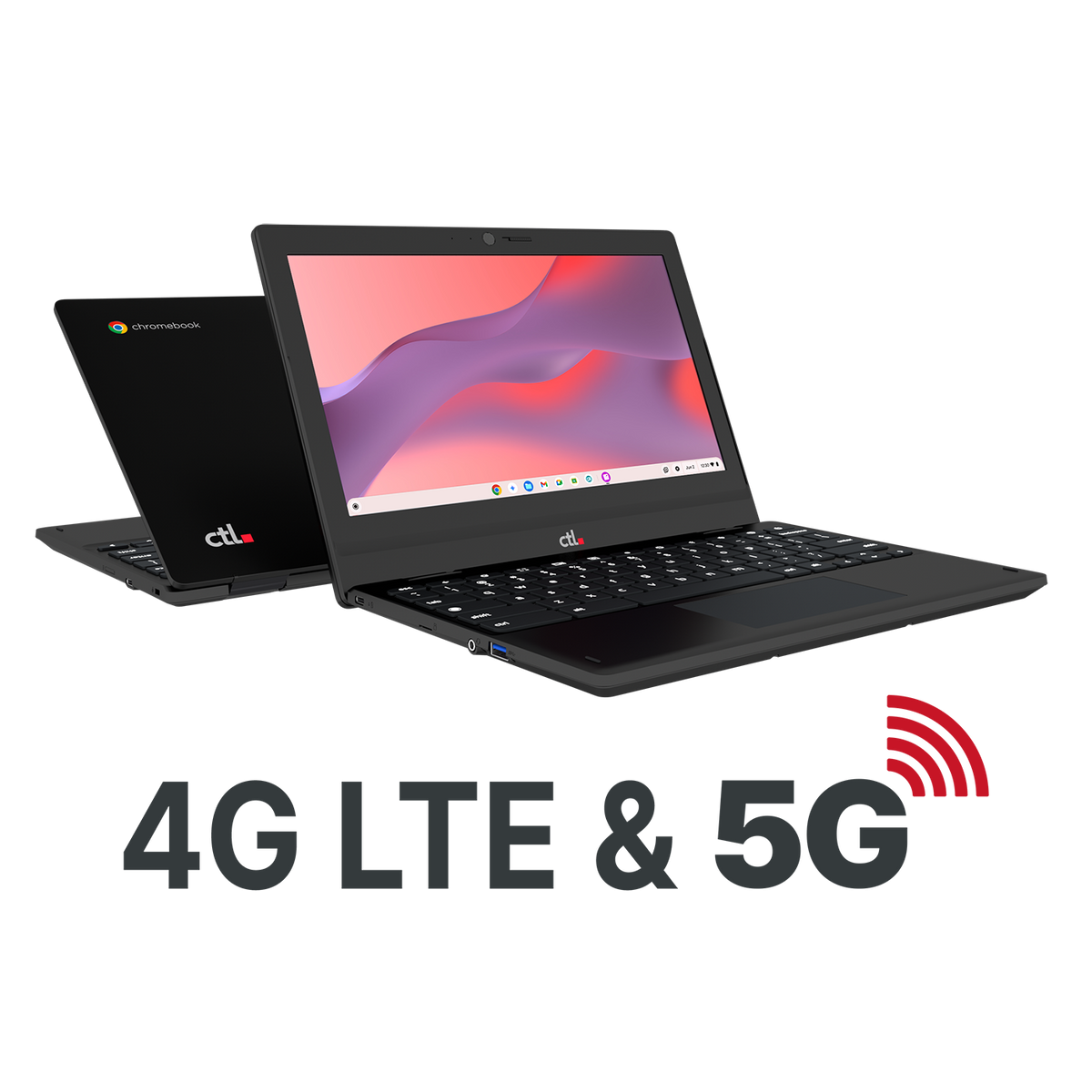
When a patron or outreach location lacks reliable Wi-Fi, a cellular-enabled Chromebook gives your program another connection option. CTL’s PX112C Series offers integrated 5G, 4G LTE, and CBRS connectivity for supported networks.
- Connected lending: pair an eligible device with an activated data plan for borrowers who need a connection away from the branch.
- Bookmobiles and outreach: support online tasks at community stops where compatible cellular coverage is available.
- Community workshops: bring connected devices to partner locations without relying solely on local Wi-Fi.
Integrated cellular access can remove the need for a separate hotspot for that Chromebook. Cellular service requires compatible coverage, activation, and an appropriate data plan. Availability and performance vary by network and location; confirm data costs and service terms for your program. CBRS use requires compatible private-network infrastructure.

Manage shared devices around your library policies
Use the Google Admin console with appropriate ChromeOS management licensing to configure supported device settings across your program. Organize deployment around public stations, lending devices, and staff use so each serves its intended purpose.
For shared computers, managed guest sessions let patrons browse without signing into a Google Account. Your IT team can set session limits and configure supported policies. Google states that local user data is removed when a managed guest session ends; this does not erase records retained by websites or other systems.
Confirm licensing eligibility, accessibility requirements, patron privacy settings, and application compatibility during planning. A small pilot helps your staff validate the experience before expanding.
CTL Solutions for Libraries
Work with your account manager, shop online, or request a quote.
Sold out
Sold out
Sold out
Sold out
Sold out

Explore CTL devices for libraries
Chromebooks — Portable options for patron access, lending programs and digital-skills classes.
OPS All-in-One desktops — A modular option for public computer areas and other fixed workstations.
LTE-enabled Chromebooks — Cellular-capable options for connected lending and outreach.
Plan your library technology project with CTL
Tell us what your library wants to accomplish. Whether you are updating public computers, starting a lending program, or planning connected outreach, we can begin with your priorities and work through the options together.
FAQ
How can public libraries use Chromebooks?
Libraries can evaluate Chromebooks for in-branch borrowing, digital-skills classes, browser-based research, and take-home lending. The best fit depends on the library’s applications, accessibility needs, connectivity, and support plan.
How can libraries use OPS All-in-One devices?
OPS All-in-One desktops can serve as fixed public computer stations, catalog terminals, or learning-lab workstations. Test the library’s software and peripherals before deployment.
Can LTE Chromebooks connect without WiFi?
Yes, on a supported cellular network with an activated compatible plan and coverage. Confirm device and carrier compatibility, ongoing service costs, and the locations the program needs to serve.
Do patrons need a Google Account to use a shared Chromebook
Not when the library has configured an eligible device for a managed guest session. This setup requires appropriate ChromeOS management licensing. Some online services may still require patrons to sign in to their own accounts.
Can these devices work with our existing library systems
That depends on the application and workflow. Evaluate the catalog, circulation system, computer reservations, printing and payment tools, assistive technology, and peripherals in a pilot. Do not assume that Windows-only software will run directly on ChromeOS.
How should we begin a device refresh or lending project
Start with the intended use, quantity, locations, and target date. Identify required applications, budget, and connectivity needs, then ask CTL to help scope device options and services.
Why CTL?

Your One EdTech Lifecycle Partner
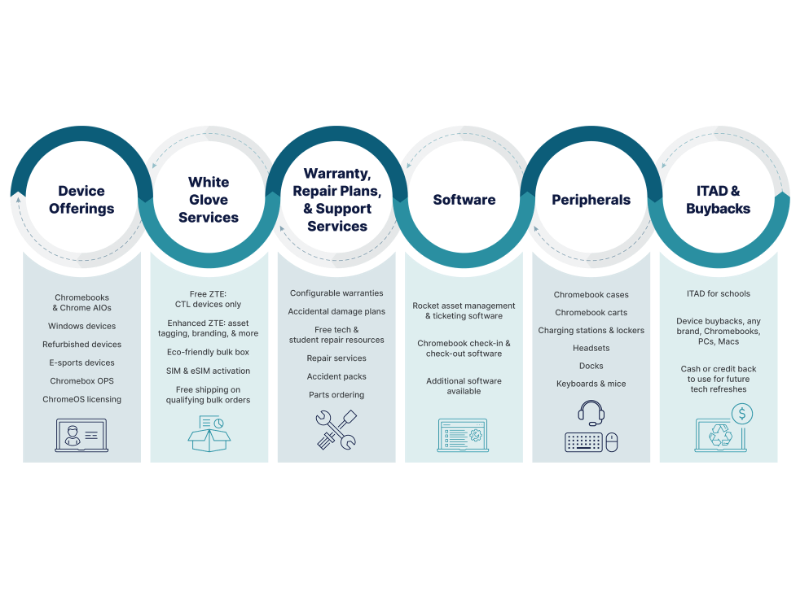
Count on CTL for a customized, service-focused experience. Only CTL delivers the OEM-expert services and support you need throughout the life cycle of your program.
- Free zero-touch enrollment for devices
- Free shipping on volume orders
- Zero repair deductibles
- Free 1:1 consulting and program advice
- Free 2-way RMA shipping, first year warranty
- Free access to 24/7 spare parts ordering portal
- White-glove configuration and deployment services
- Free asset management software
- Free CTE course for student Chromebook repair
- Computing equipment trade-ins for cash or credit
Work with your solutions consultant to customize a program for your needs.
Let's Build a Solution for You.
Request a quote for volume pricing plus 1:1 swift, friendly servicing.