


Filter By:
- - Topics -
- Kiosks and Digital Signage
- Chromebooks
- Chromebox
- ChromeOS
- Video Conferencing
- Private LTE and CBRS
- 5G
- Monitors
- Maintenance and repair
- Device rental programs
- Sustainability and responsibility
- Awards and recognition
- Lifecycle Services
- ITAD
- Other
- - Industries -
- Education
- Healthcare
- Government
- Retail
- Contact Centers
- Other corporate
- - Type -
- Article
- Case Study
- Webinars
- E-books and Guides
Reset

ChromeOS vs Windows: Top Key Security Differences
Security on digital devices is a top global concern, as evidenced by the recent update error from third-party security vendor CrowdStrike that caused a worldwide outage on Windows computers. When c...
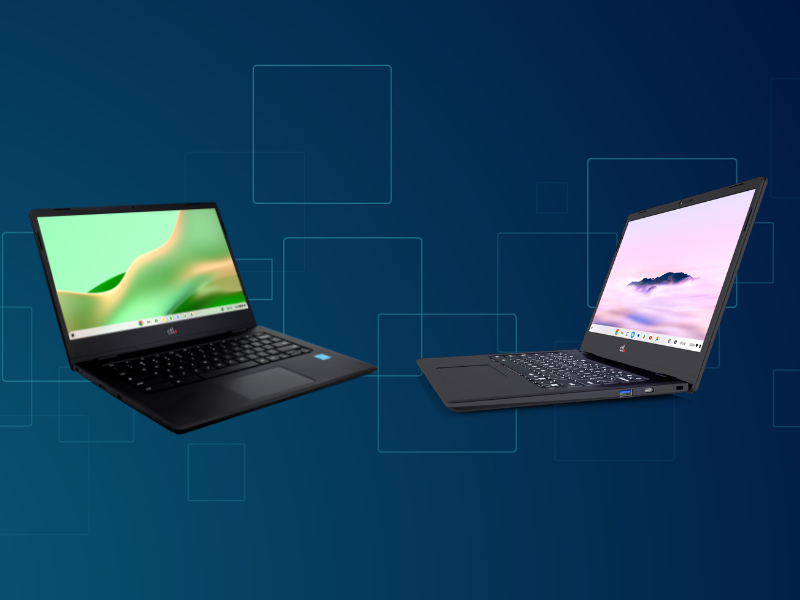
Chromebook vs Chromebook Plus: What is the Difference?
Chromebooks have carved a niche in the laptop market, offering a streamlined and secure experience for everyday tasks at an affordable price point. But within the Chromebook family, there's a term ...

Revolutionize Your Classroom with the AI-Powered Chromebook Plus
For K-12 EdTech administrators, finding the right tools is crucial to creating an engaging, efficient, and effective educational environment. One such tool is Chromebook Plus with AI features—a gam...

How to Assess Your School District's Generative AI Preparedness
Ready for Takeoff? Assessing Your District's Generative AI Preparedness with the New CoSN Tool
Here at CTL, we're constantly keeping an eye on the cutting edge of education technology. That's why w...

Visit CTL at InfoComm 2024
CTL Will Exhibit Audio and Video Computing Solutionsat InfoComm
CTL will showcase its ChromeOS computing offerings for digital signs, kiosks, and video conferencing
CTL’s first-time exhibit reflec...
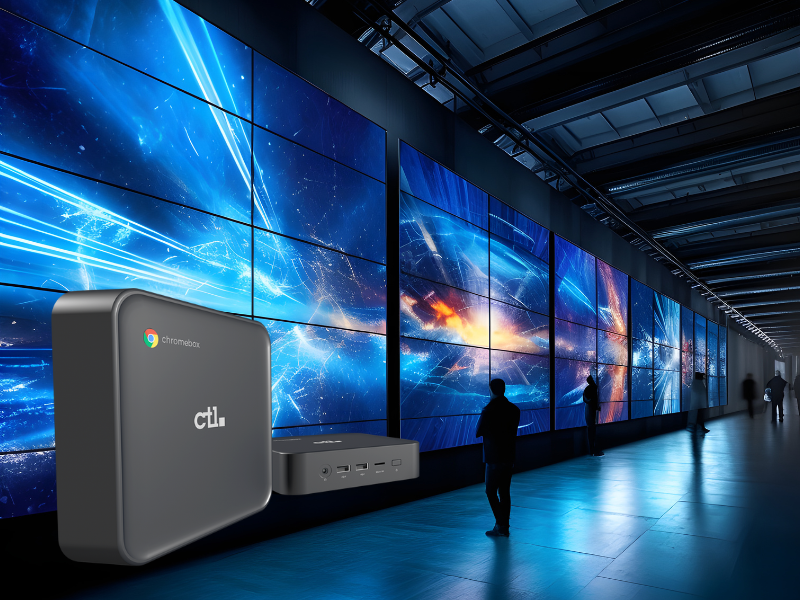
How a Chromebox Works for Digital Signs and Kiosks
Digital signage and kiosks help enterprises build more meaningful interactions with their customers and are increasingly common in all sorts of settings, from retail stores and restaurants to offic...
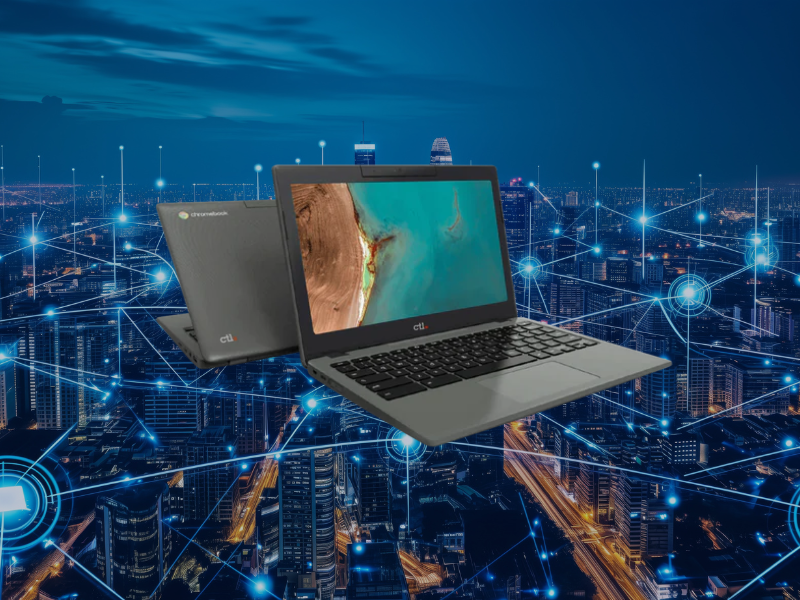
LTE Chromebooks: How to Select the Right Device for Connectivity Anywhere
Chromebooks are fantastic for their affordability, security, and durable mobility. But what if you need to stay connected even without Wi-Fi? Students, first responders, even frontline workers who ...
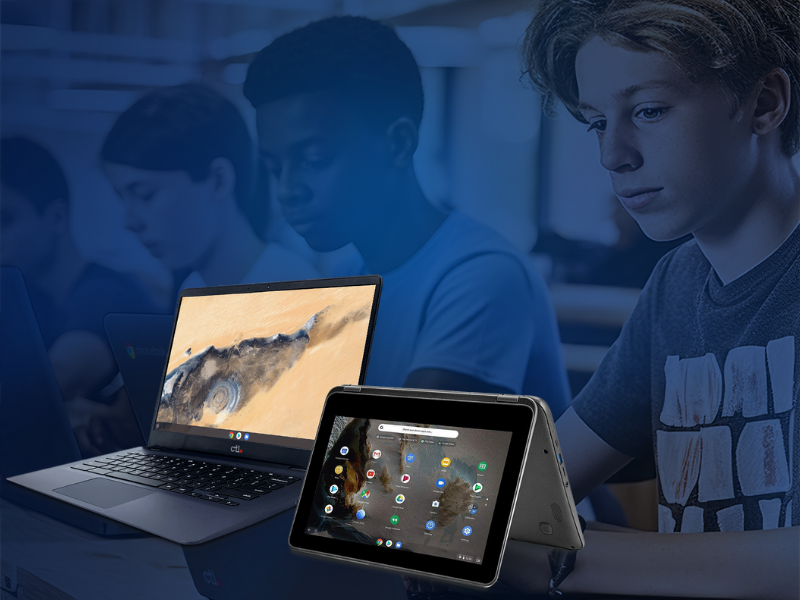
Refurbished Chromebooks: Six Ways to Use Them in Schools
Technology plays a crucial role in modern education, but equipping a school with new devices can be a significant financial strain. That's where refurbished Chromebooks come in. These devices, meti...
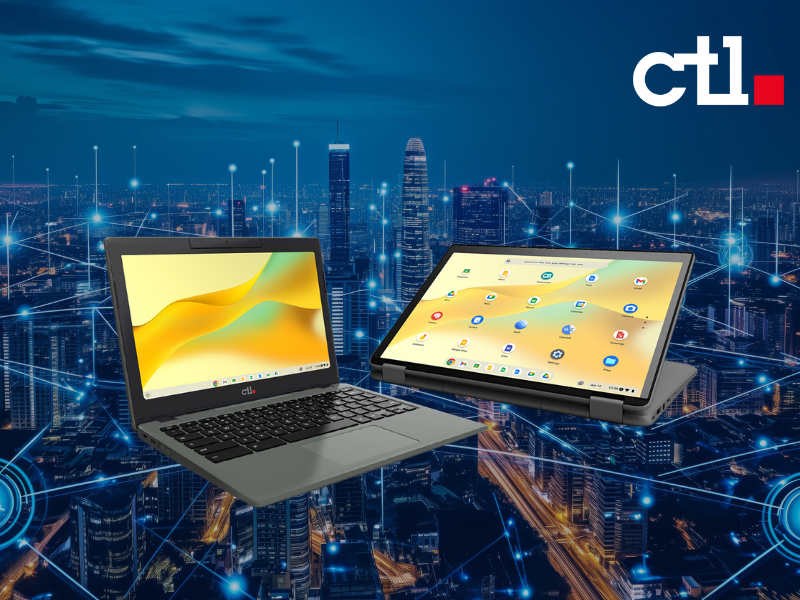
New in Connected Chromebooks: 5G and Private Wireless Networks
At CoSN 2024, CTL partnered with Google and one of its customers to present the technology roadmap for private wireless networks for school districts in a speaking session. In this blog, we’ll brea...
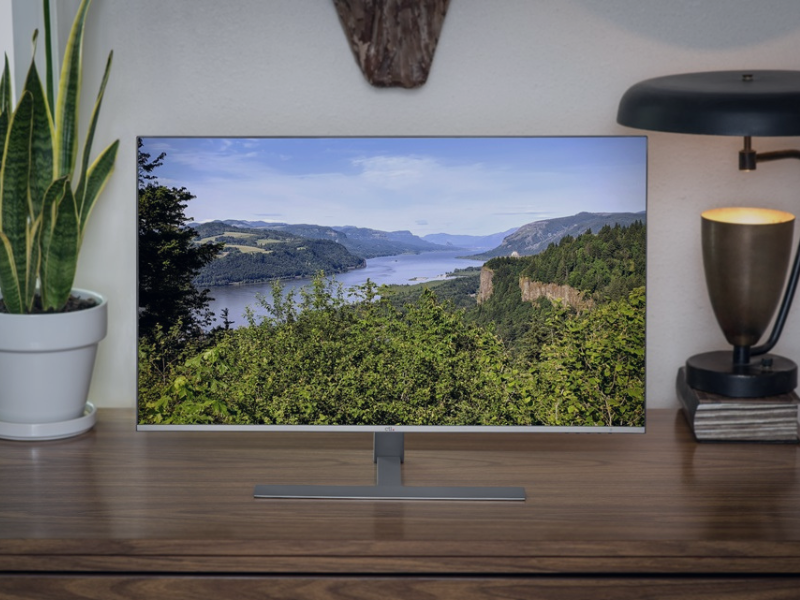
What to Look for in Your Next Computer Monitor: 3 Key Features
Equipping your staff and students with the right technology is crucial for success. Beyond powerful computers and robust software, consider the often-overlooked hero: the computer monitor. The righ...
Digital Equity Act Update
The U.S. Government Allocates Over $800 Million to Increase Digital Inclusion.
CTL Continues to Invest as a 2024 Google Premier Partner for Chrome
CTL Continues to Invest as a 2024 Google Premier Partner for Chrome
At CTL, we're driven by a deep commitment to empowering educational institutions and businesses with the transformative potential...