


Filter By:
- - Topics -
- Kiosks and Digital Signage
- Chromebooks
- Chromebox
- ChromeOS
- Video Conferencing
- Private LTE and CBRS
- 5G
- Monitors
- Maintenance and repair
- Device rental programs
- Sustainability and responsibility
- Awards and recognition
- Lifecycle Services
- ITAD
- Other
- - Industries -
- Education
- Healthcare
- Government
- Retail
- Contact Centers
- Other corporate
- - Type -
- Article
- Case Study
- Webinars
- E-books and Guides
Reset

ChromeOS vs Windows: Top Key Security Differences
Security on digital devices is a top global concern, as evidenced by the recent update error from third-party security vendor CrowdStrike that caused a worldwide outage on Windows computers. When c...
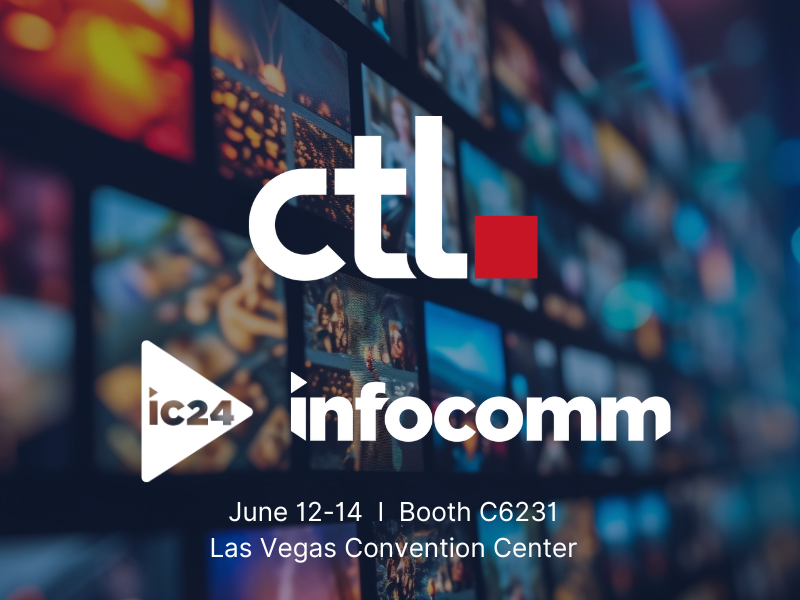
Visit CTL at InfoComm 2024
CTL Will Exhibit Audio and Video Computing Solutionsat InfoComm
CTL will showcase its ChromeOS computing offerings for digital signs, kiosks, and video conferencing
CTL’s first-time exhibit reflec...
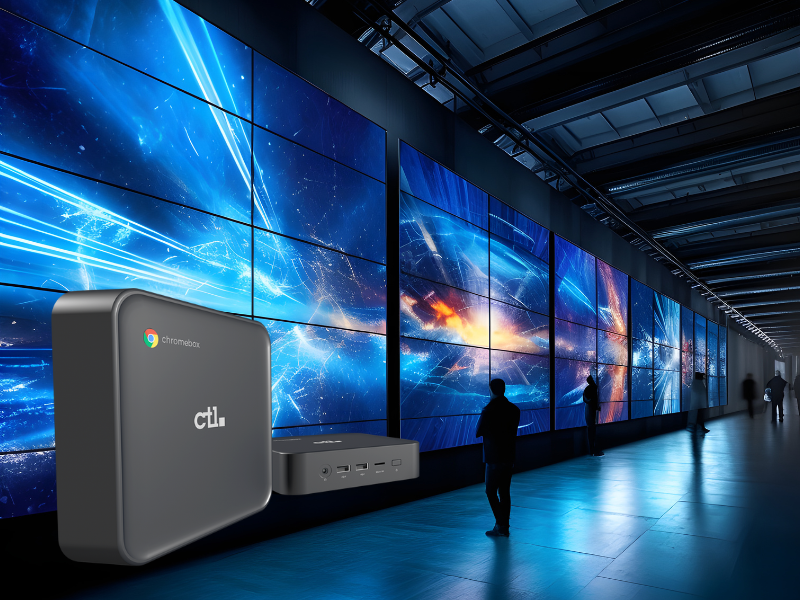
How a Chromebox Works for Digital Signs and Kiosks
Digital signage and kiosks help enterprises build more meaningful interactions with their customers and are increasingly common in all sorts of settings, from retail stores and restaurants to offic...
Get High Performance That Fits in the Palm of Your Hand!
CTL® is excited to include Intel’s Next Unit of Computing (NUC), a 4.59’’ x 4.41’’ x 1.55’’ Ultra Compact Form Factor desktop PC, to their product lineup. These uber-small PCs are a great solution ...