
School Library Technology for Every Way Students Learn

Make school library technology easy with devices, services, and software from CTL. 

Purpose-Built Technology for Modern School Libraries

School libraries and media centers are transforming into active digital learning hubs, but limited budgets, mixed hardware, and device upkeep often burden staff. CTL removes this friction with comprehensive, cost-effective technology and services created specifically for shared student environments:

  • Hardware tailored for shared spaces. Deploy durable Chromebooks for student checkout alongside Chrome All-in-One desktops for  research stations.
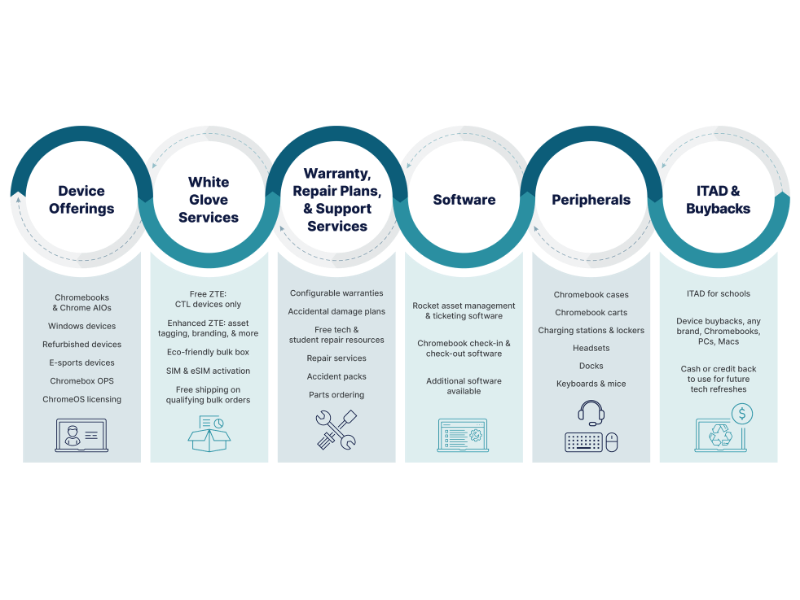
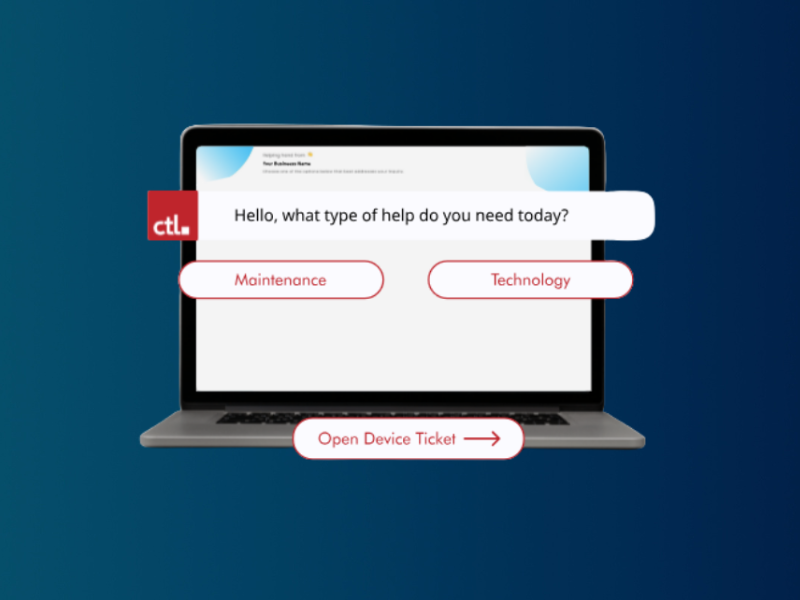
  • Effortless fleet management. Eliminate IT overhead with white-glove configuration services, zero-touch enrollment and warranties and ADP plans. 
  • Device tracking. CTL's free Rocket IT asset management software helps you keep track of assets and repair status.
  • Turnkey infrastructure and charging. Keep learning uninterrupted with charging carts, secure lockers, and peripherals. 
  • Technology lifecycle support. When you're ready to retire devices, CTL will buy them back, providing fresh funding for new tech purchases. 
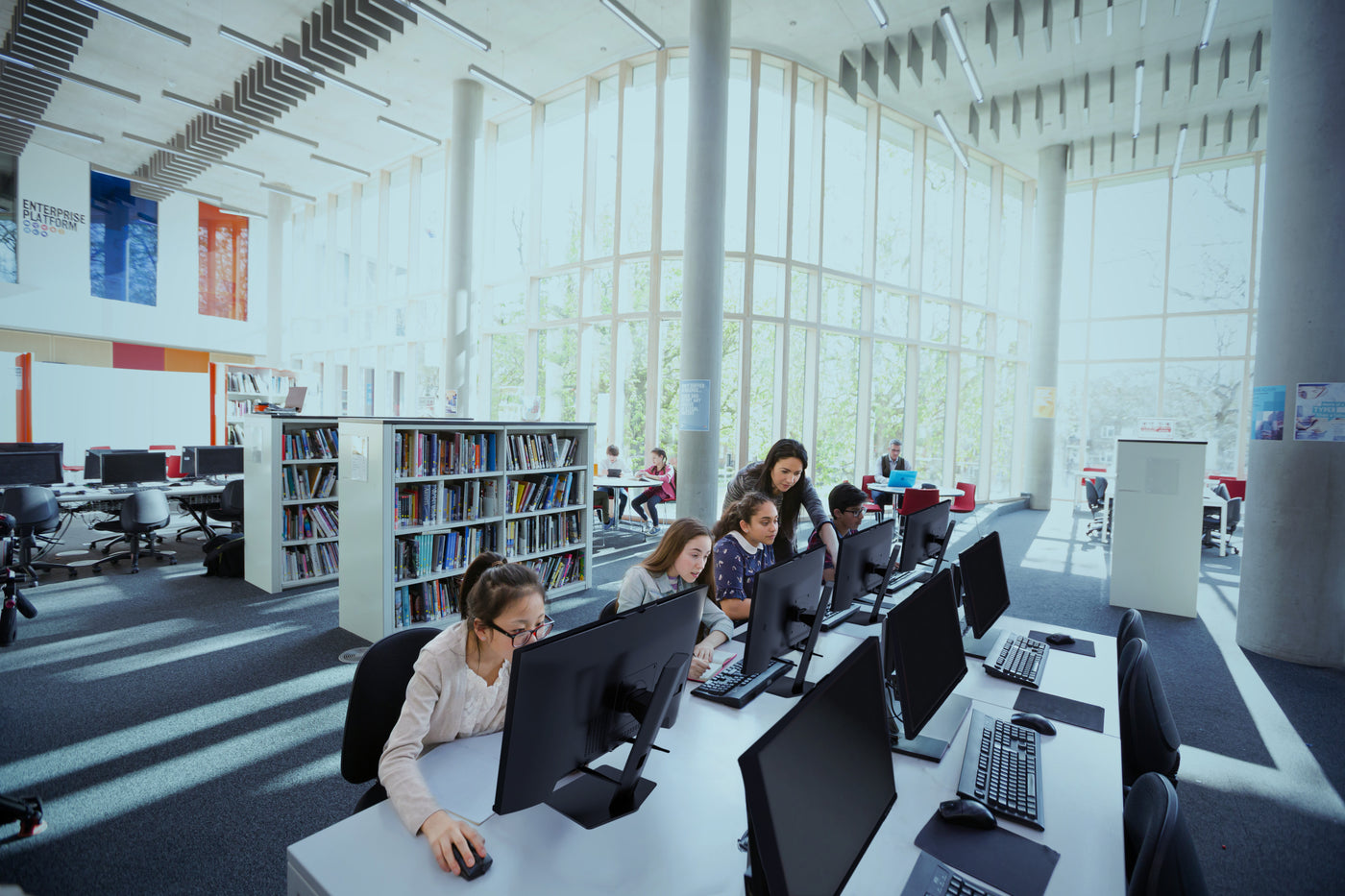
Create a Destination for School Learning Discovery

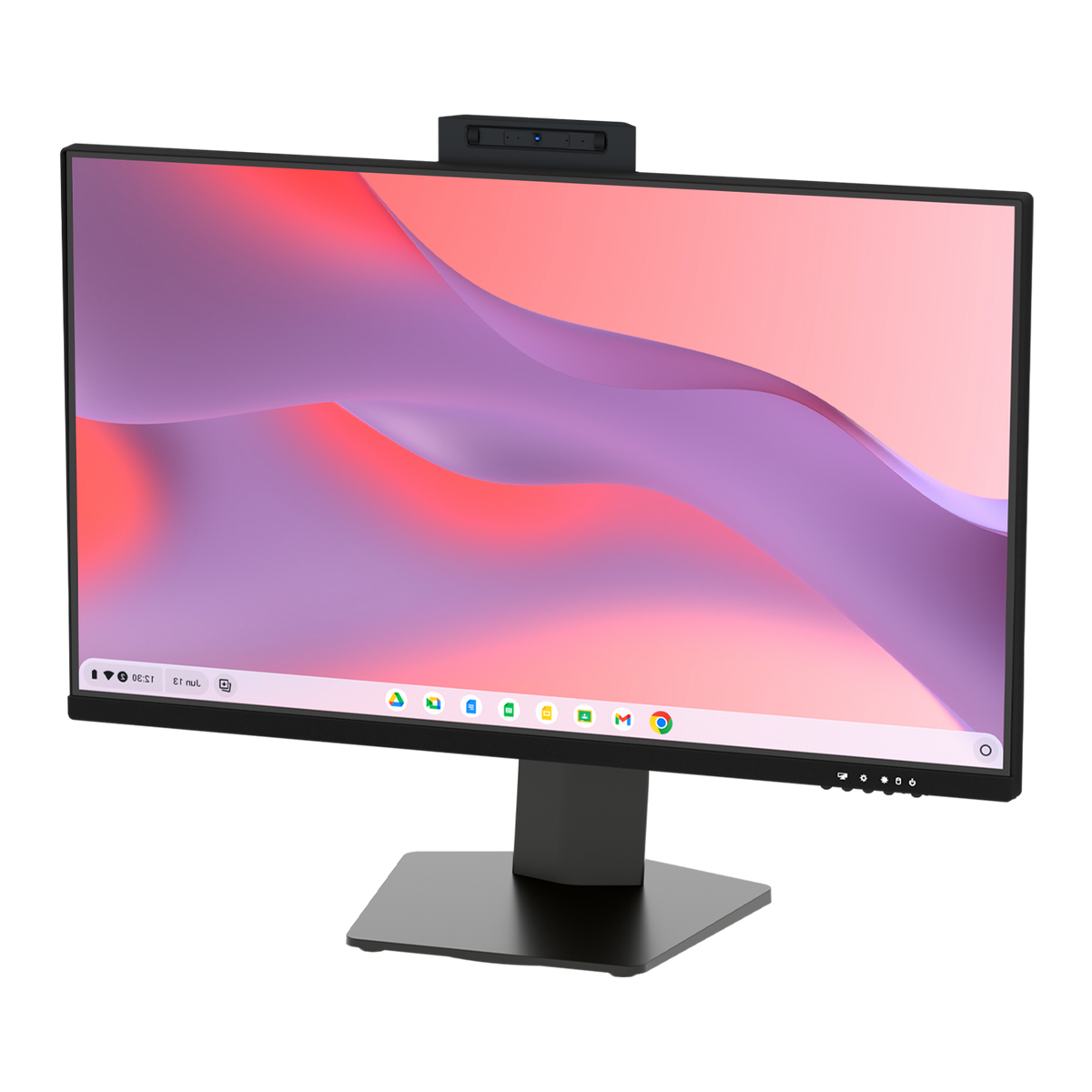
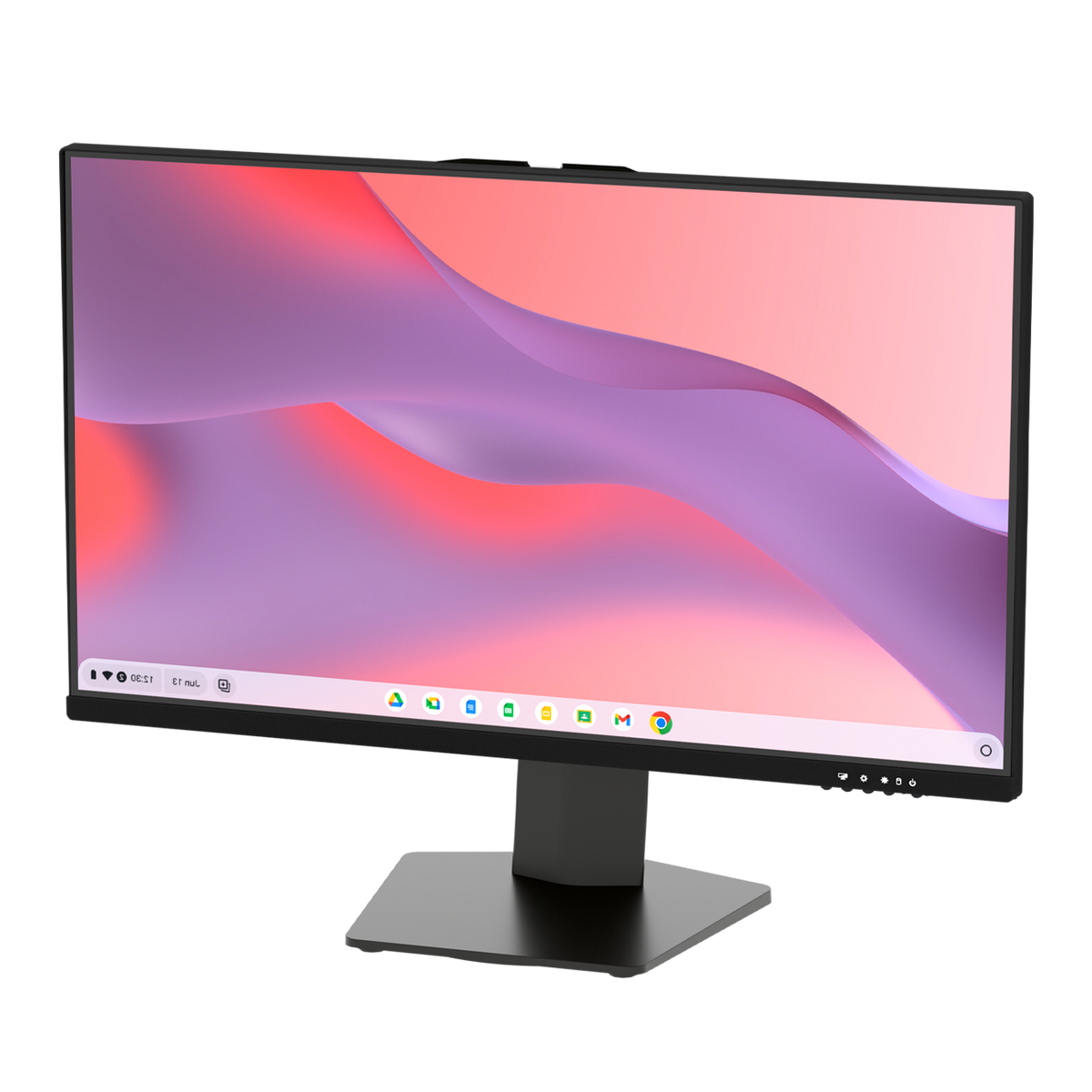
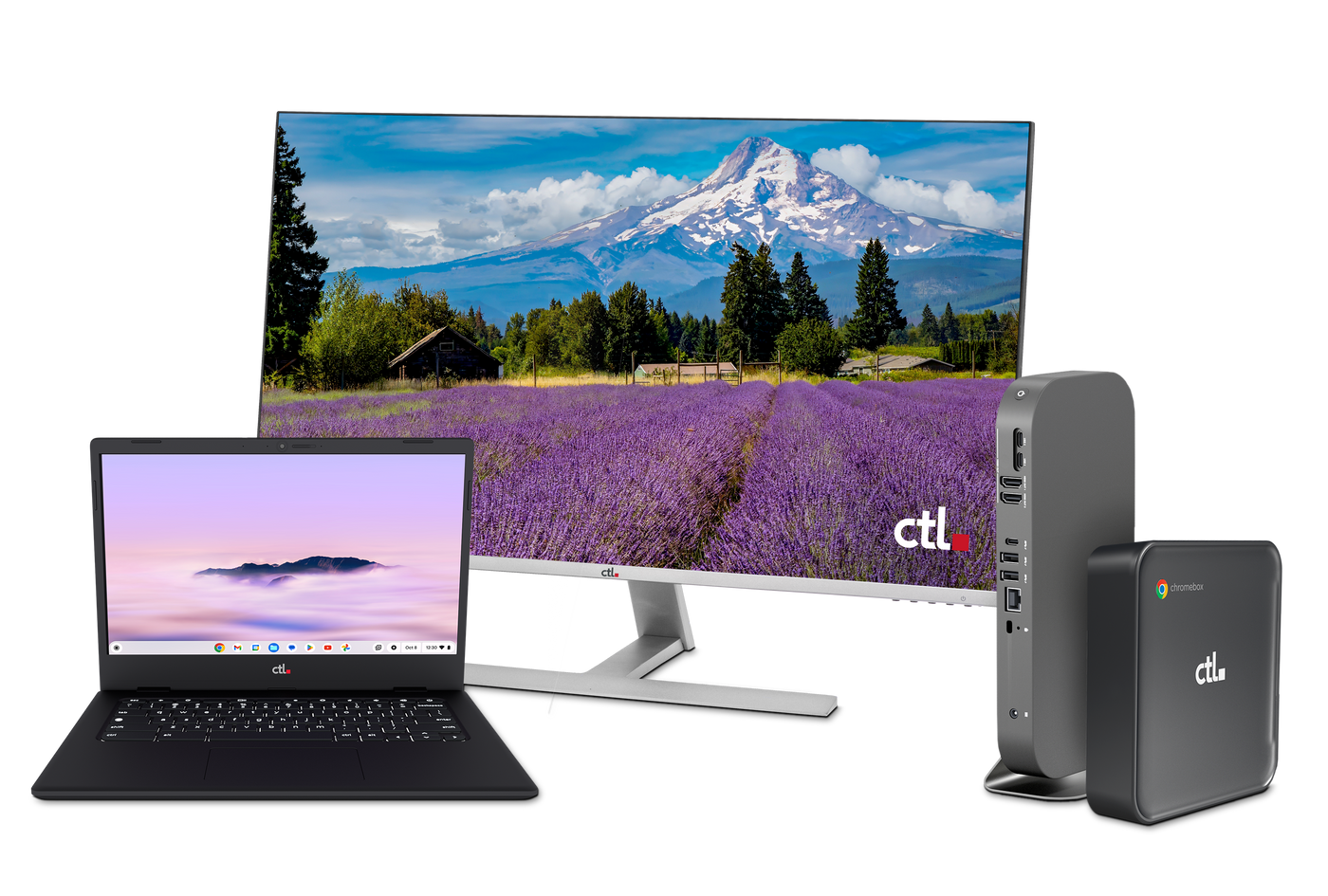
Chrome All-in-One Desktops

Give students a dedicated place to search, read, and work.

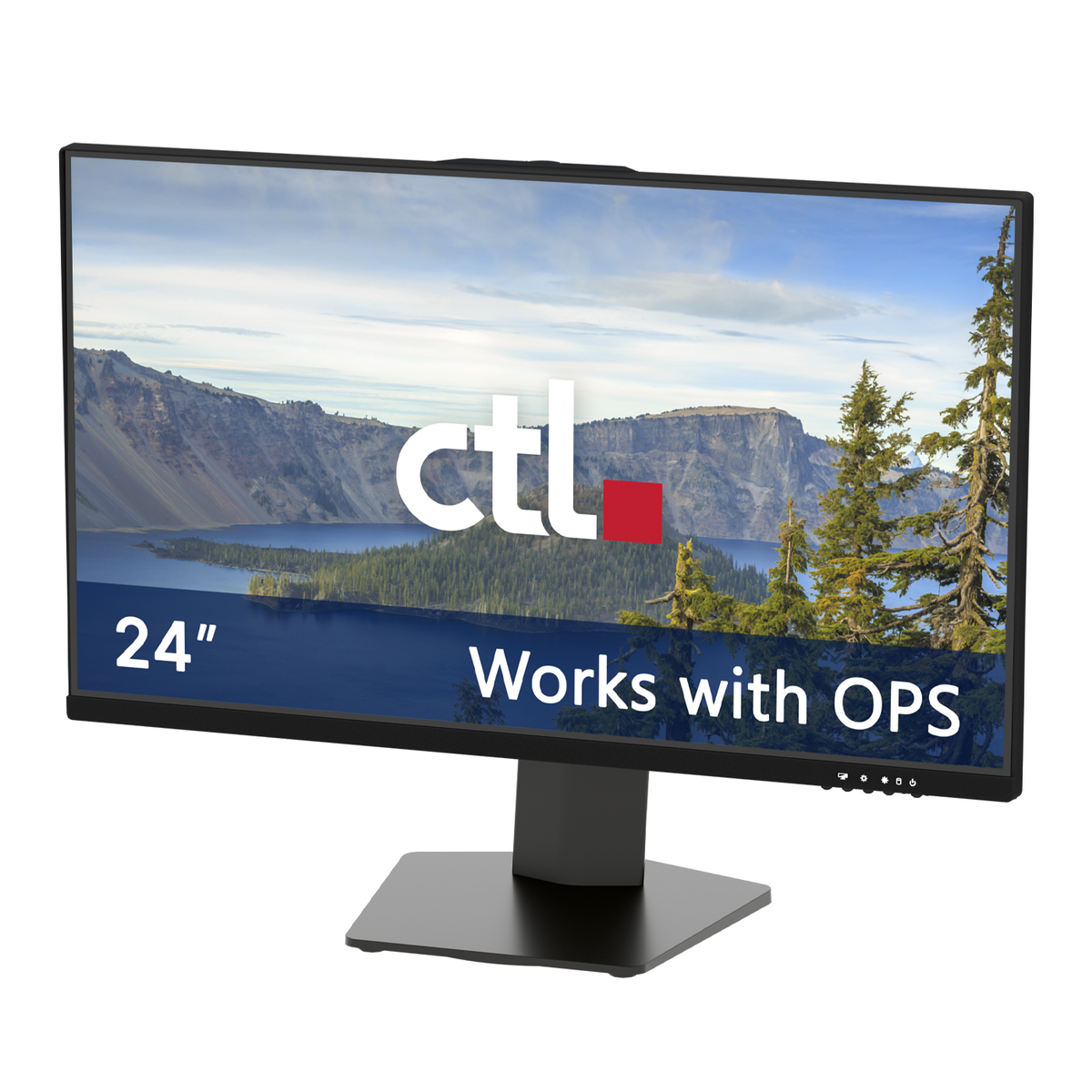
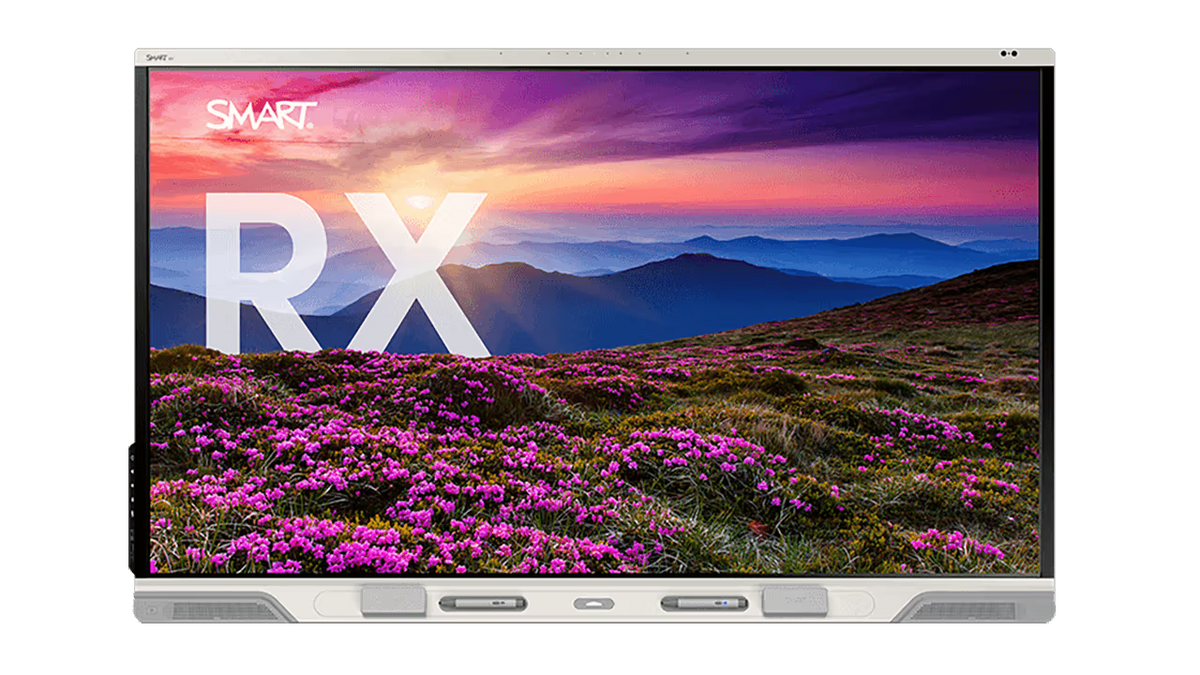
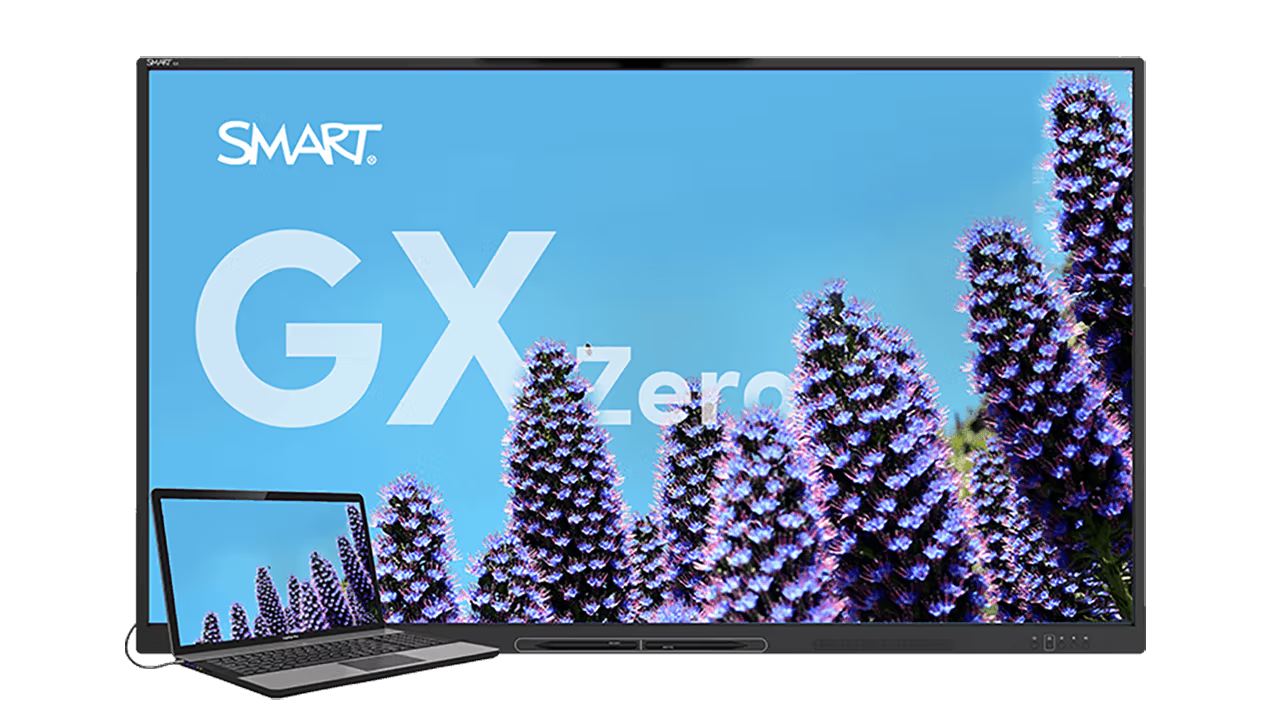
The Chrome All-in-One Desktops solutions combine a compatible monitor with a replaceable ChromeOS computing module, offering a modular approach to school library workstations.

Put the Chrome All-in-One Desktops to work for:

  • Library catalog access: Help students search your compatible web-based catalog and locate their next read.
  • Student research: Create stations for exploring digital databases, gathering evidence, and completing assignments.
  • Independent learning: Provide a consistent workspace for students using school-approved online resources.
  • Small-group instruction: Equip a designated area for librarian-led research and digital literacy lessons.

The modular design allows the computing module to be replaced while retaining a compatible monitor. Before choosing your configuration, test your catalog, applications, printing, and accessibility tools.

Bring Learning to Any School Library Table

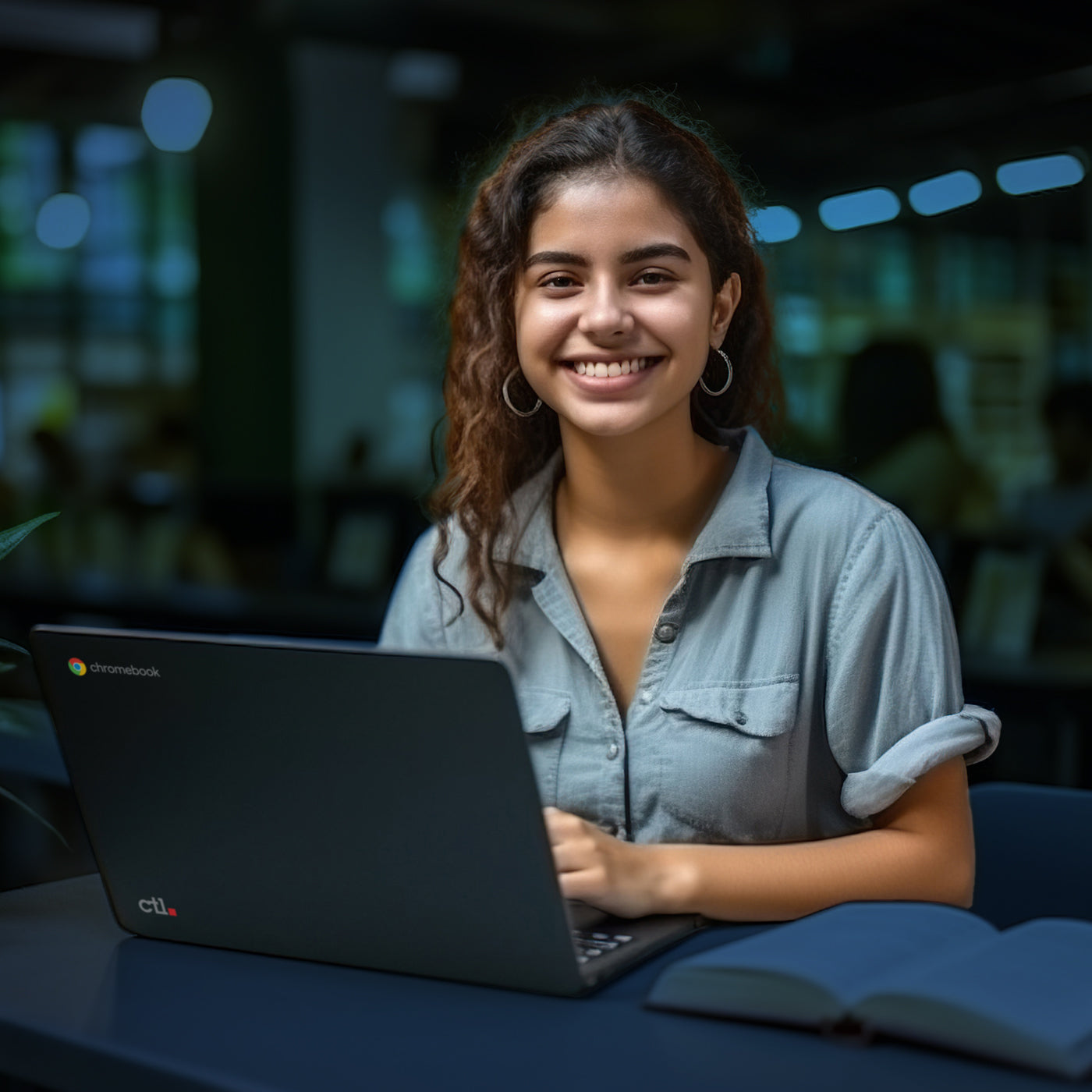
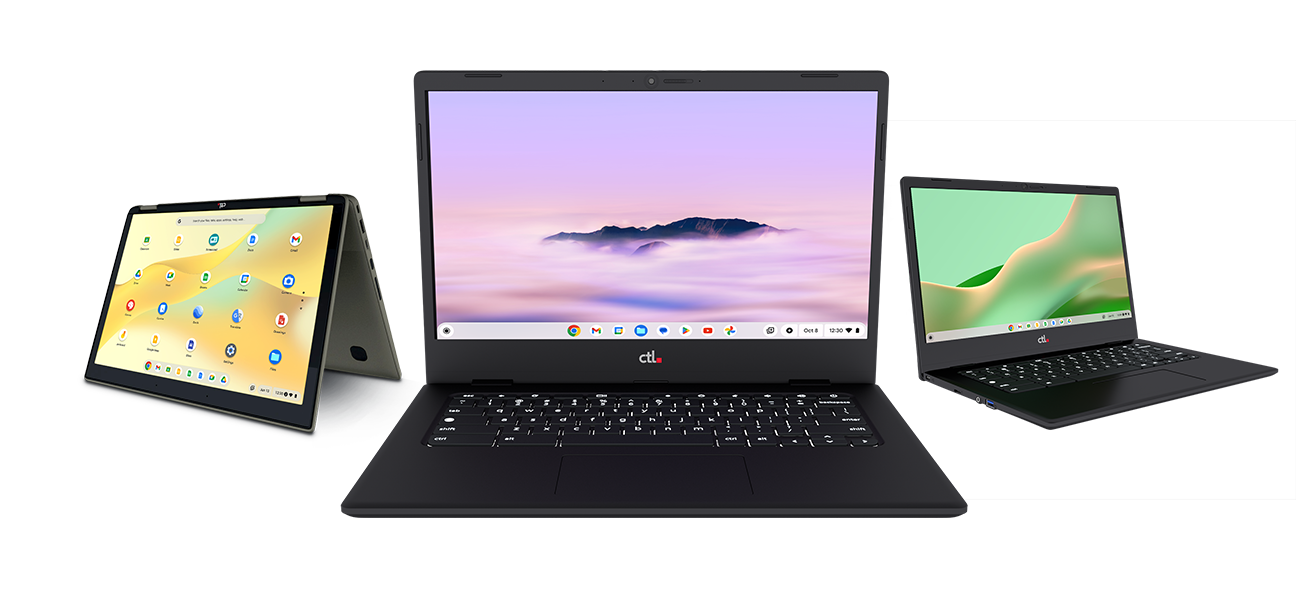
CTL Chromebooks

A research lesson at one table. A group presentation at another. A student finishing an assignment between classes.

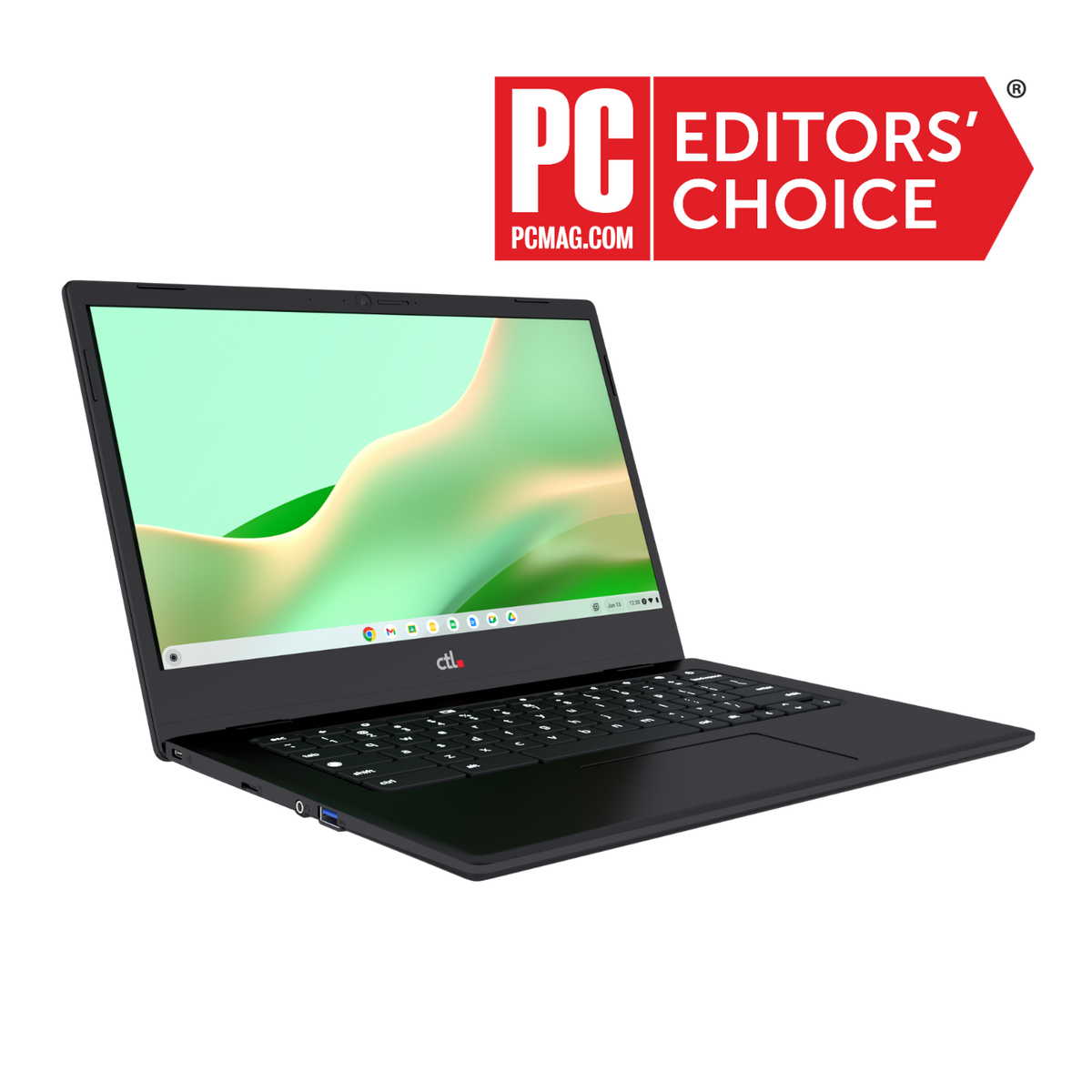
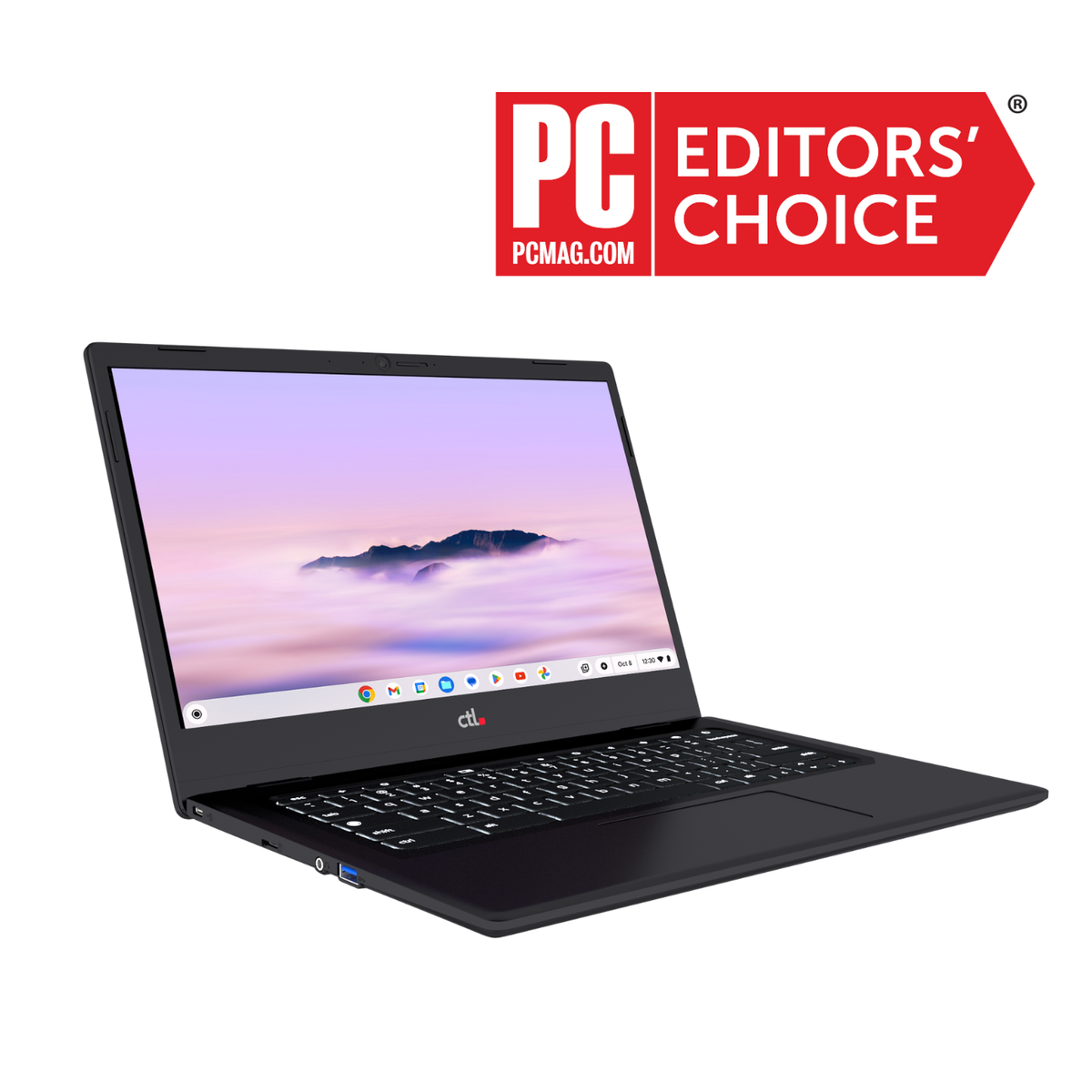
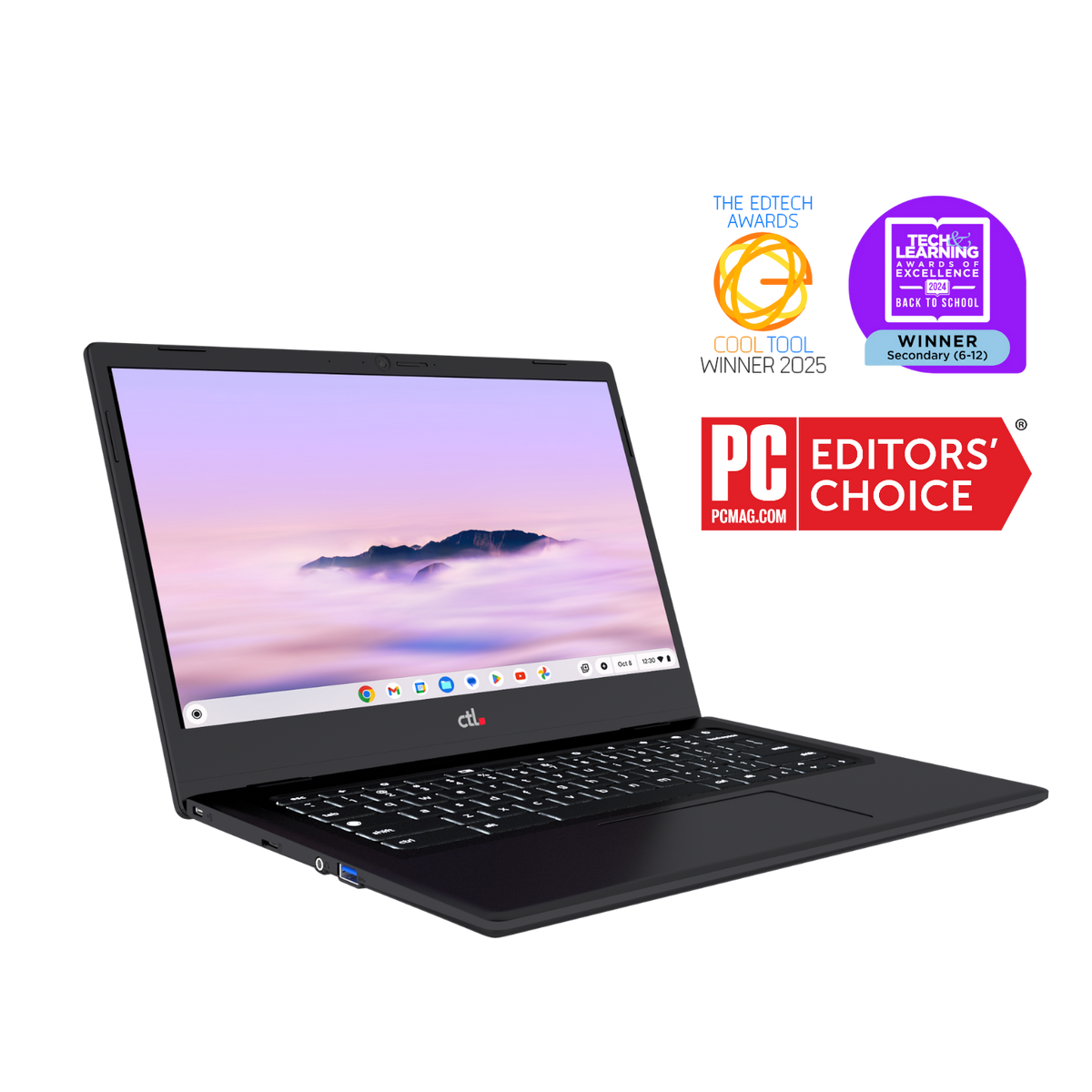
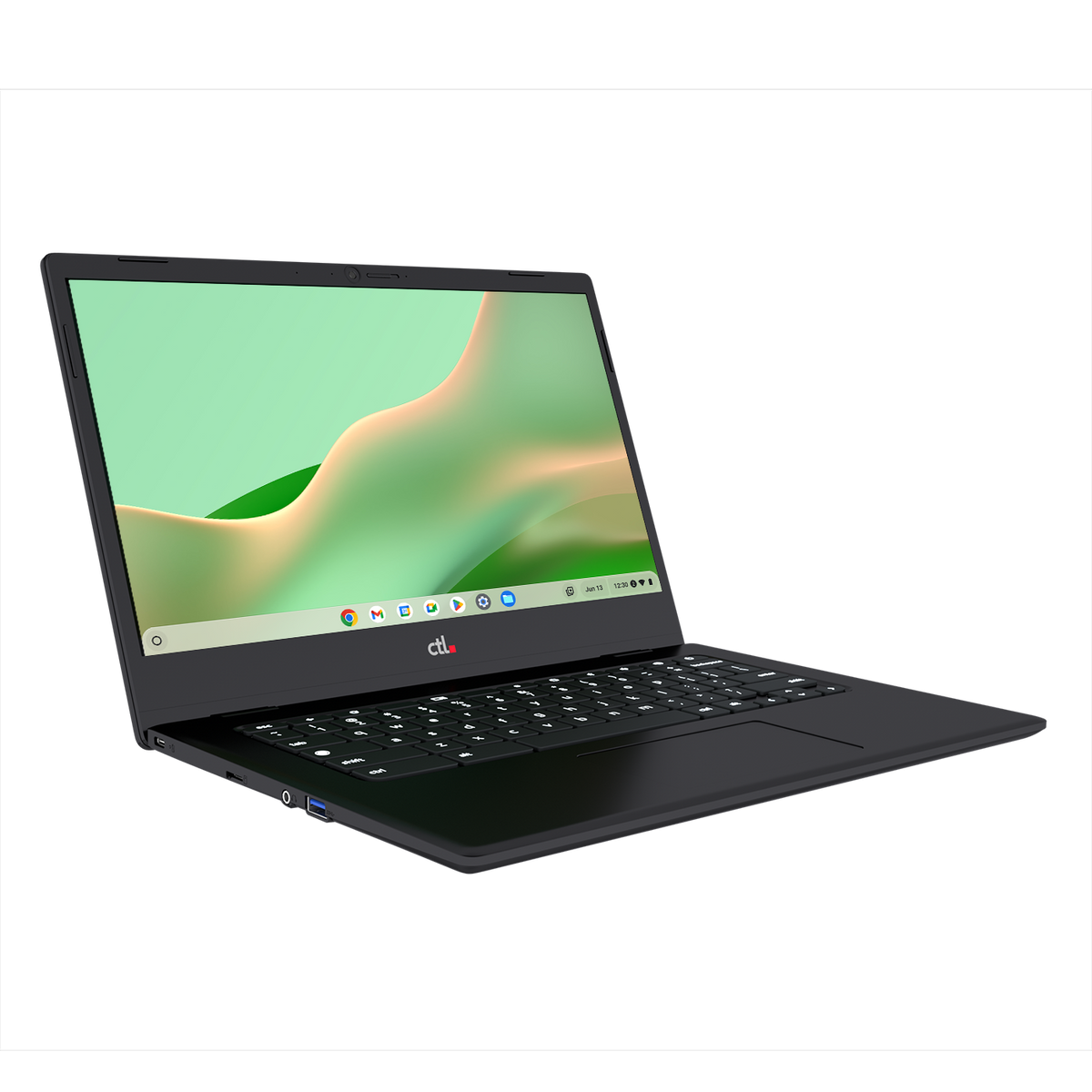
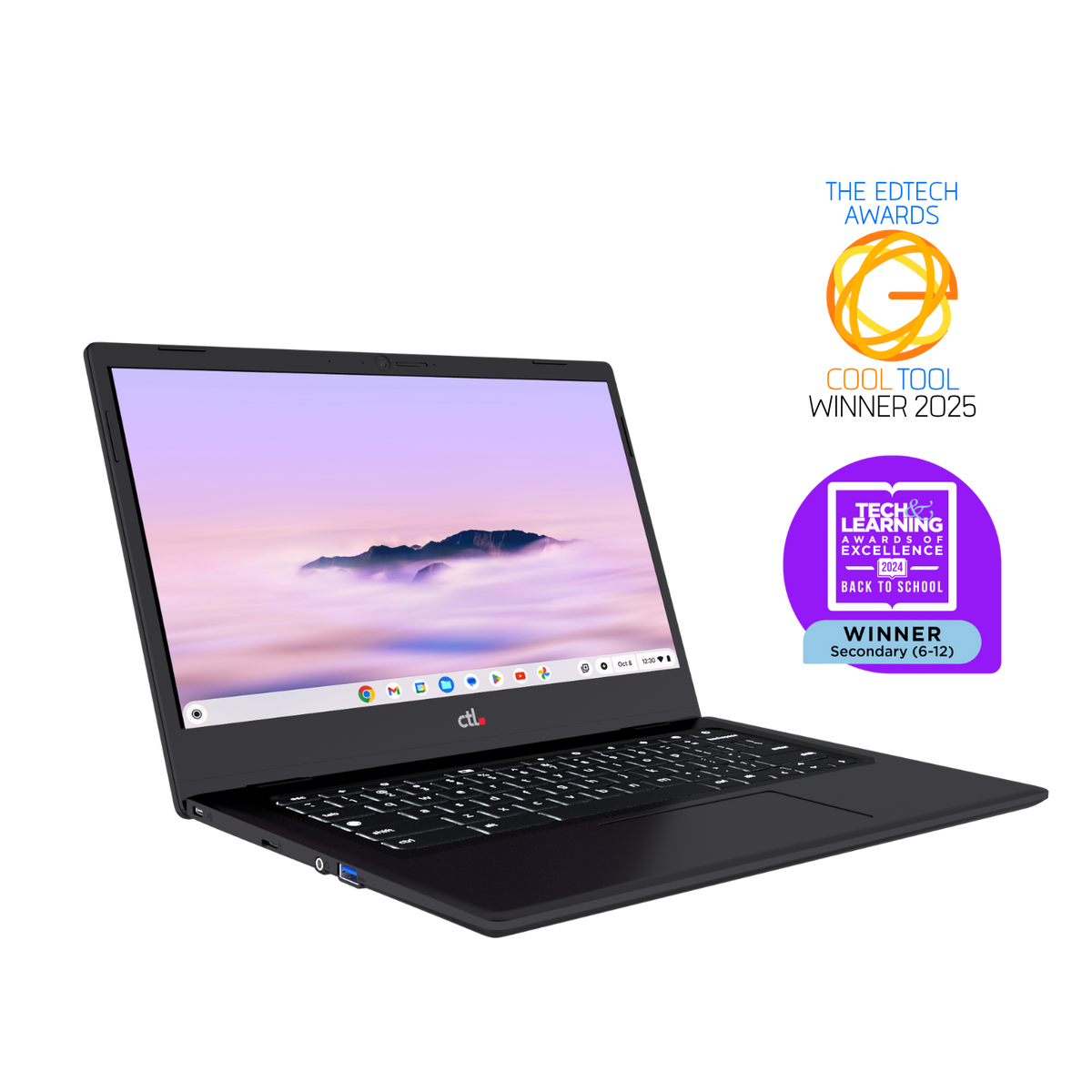
CTL Chromebooks bring portable computing to the spaces where learning happens. Choose devices around your students’ grade levels, required applications, and daily activities.

Use Chromebooks inside your library for:

  • Research and writing: Access compatible digital resources and browser-based productivity tools.
  • Collaborative projects: Support shared presentations, group assignments, and student-led inquiry.
  • Digital literacy lessons: Practice evaluating sources, citing evidence, and using online tools responsibly.
  • Flexible seating: Let students work in the area that suits the activity.
  • Short-term checkout: Make devices available for supervised library use or other school-approved needs.

Plan charging, storage, headsets, and other accessories alongside the devices so your team can keep them ready for the next student.

Keep Learning Moving Forward

Chromebook Lending

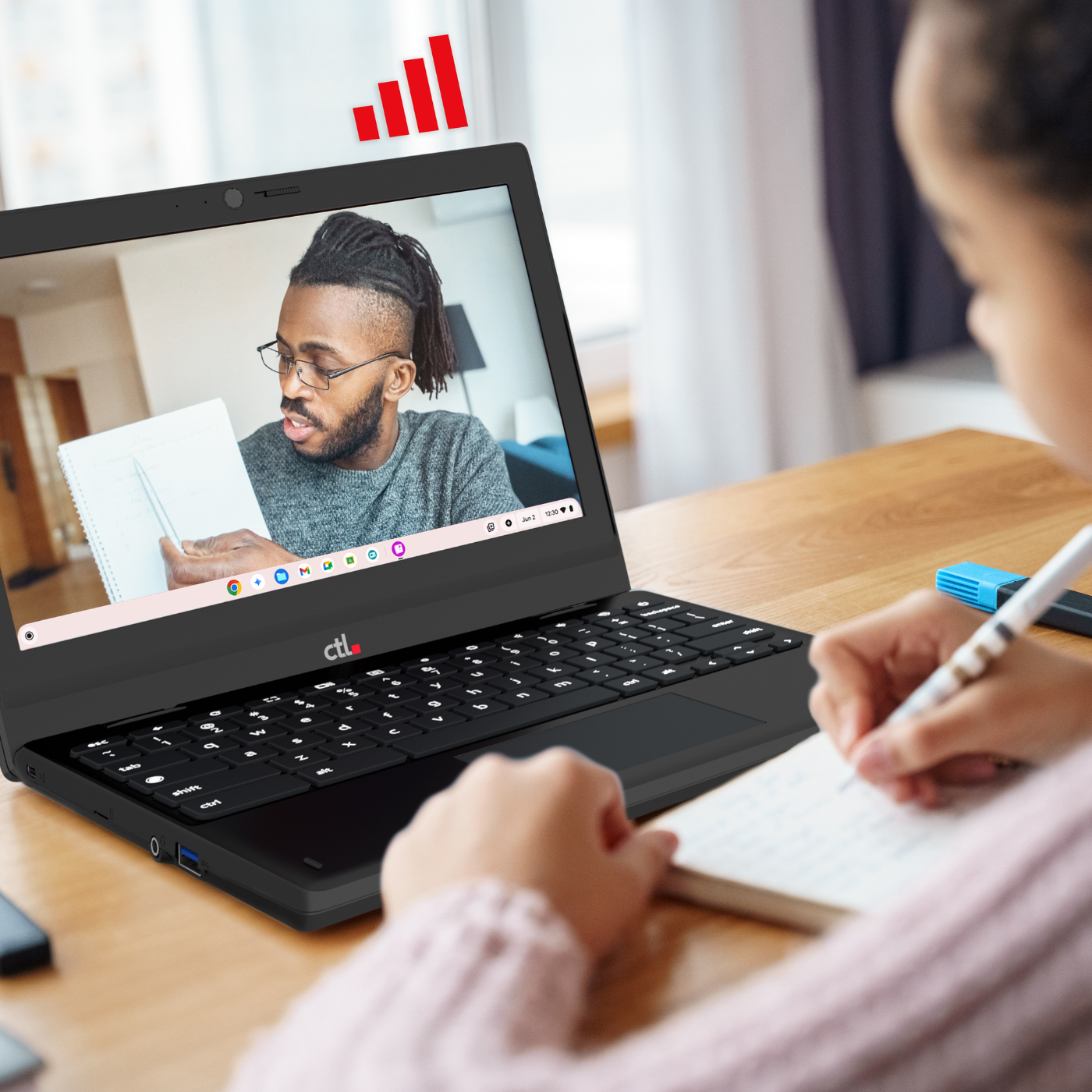
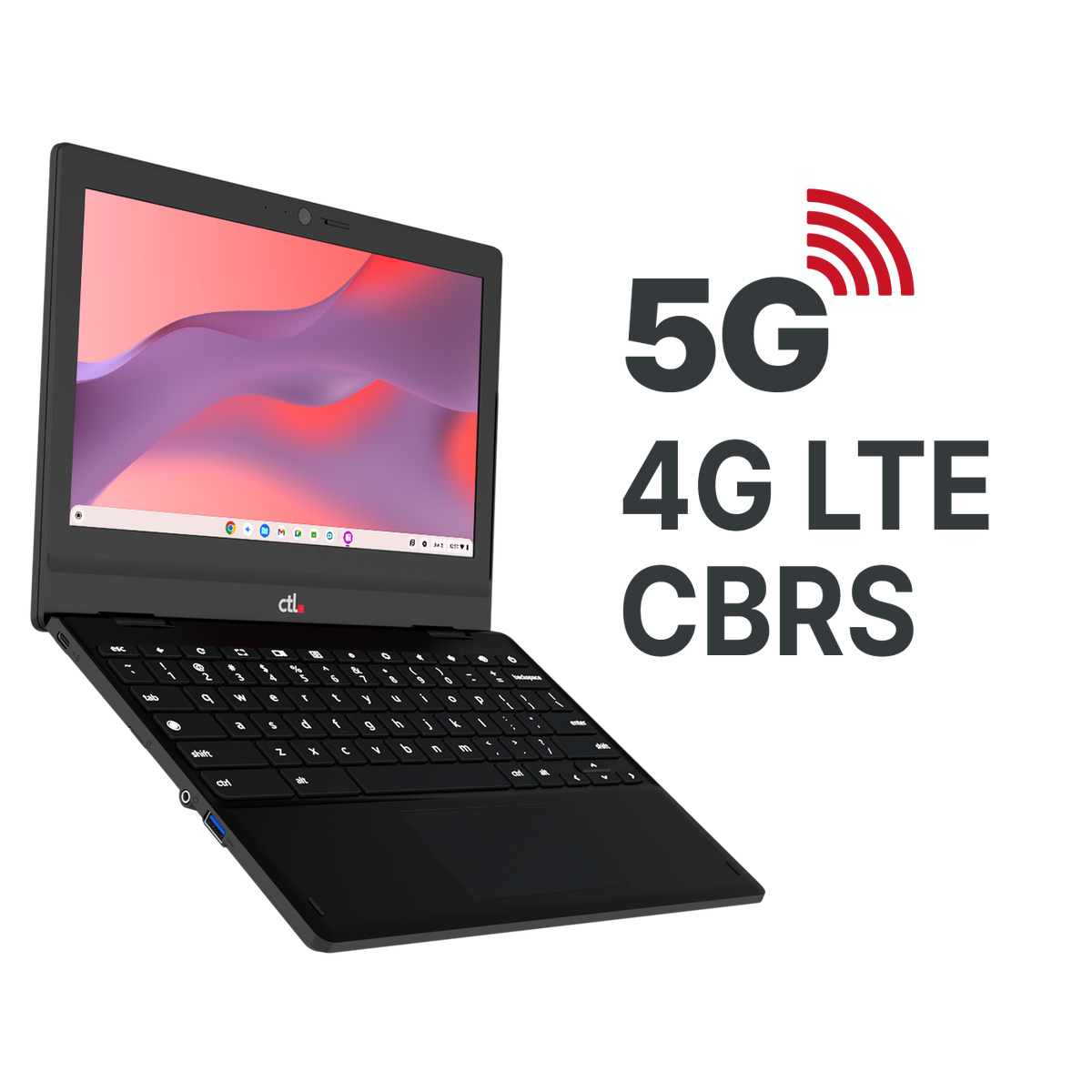
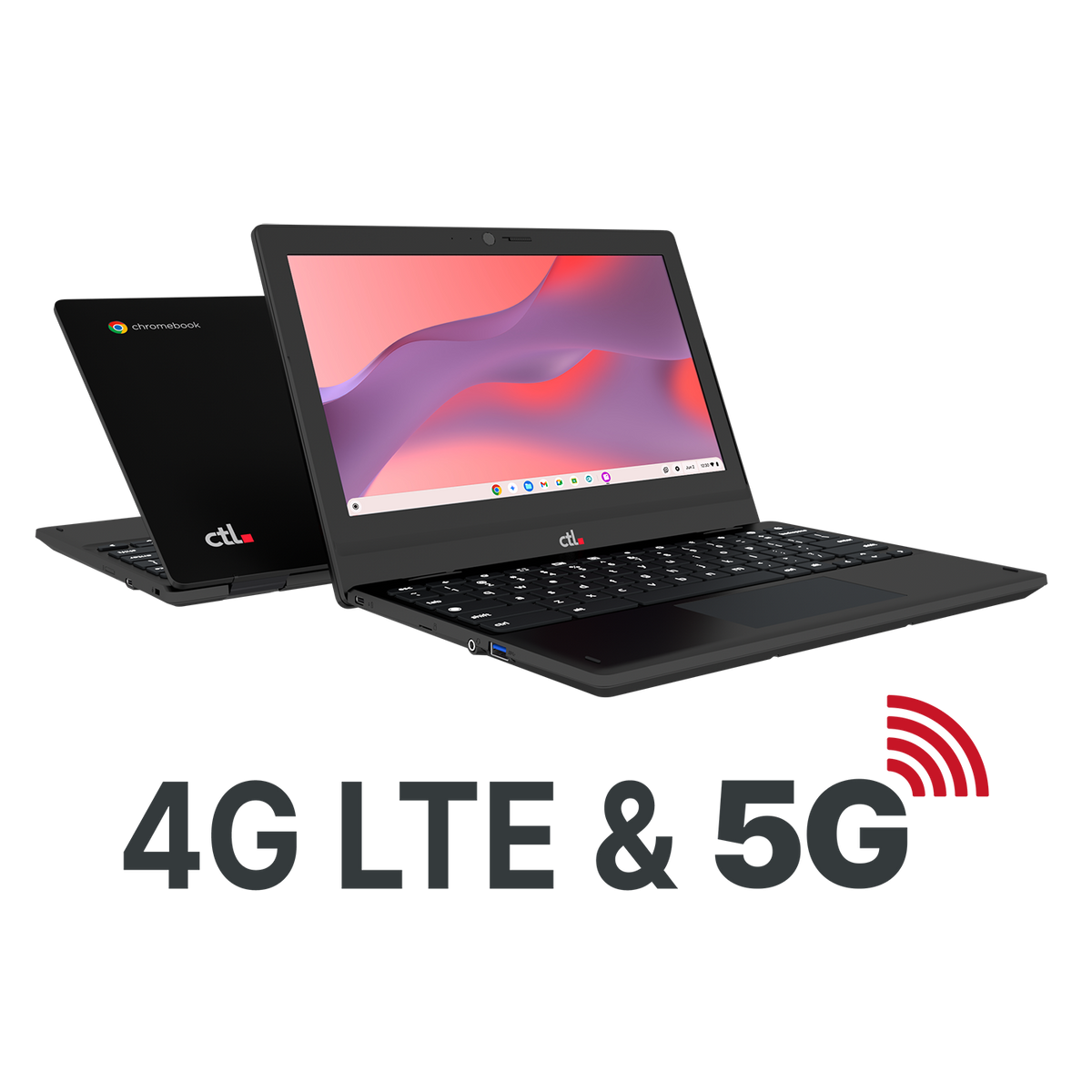
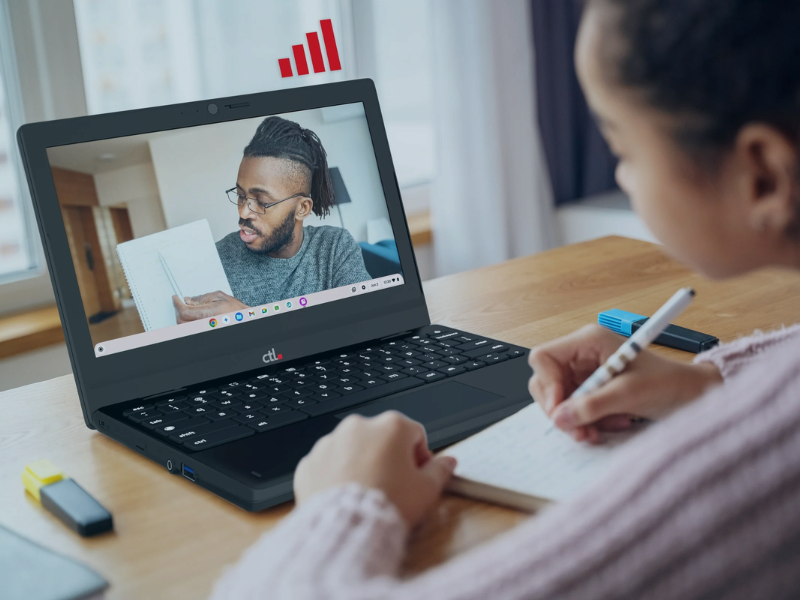
Extend your library’s reach with a Chromebook lending program powered by CTL’s LTE-embedded devices—keeping students connected anywhere, no home Wi-Fi required.

Equip your library for seamless borrowing:

  • Anywhere take-home loans. Bridge the digital divide with built-in cellular connectivity that travels wherever students study: at home, on the bus, or other locations.
  • Rapid repair swaps. Keep learning on track with immediate LTE loaners while primary devices are serviced.
  • Deliver digital learning equity for all. Lend these devices to students in your virtual learning program or without reliable home Wi-Fi. 

    Collaborate with district IT to set simple policies for checkout terms, charging, and return procedures.

Dedicated Stations and Portable Devices Working Together

Find the Right Mix for Your School Media Center

Start with the activities your library needs to support.

Bring library staff, educators, and district IT into the planning process. Test your essential applications and student workflows before expanding.

Keep Track of the Devices Supporting Your Students

Shared devices move between students, rooms, and support teams. A clear view of assignments and device status can help staff coordinate that work.

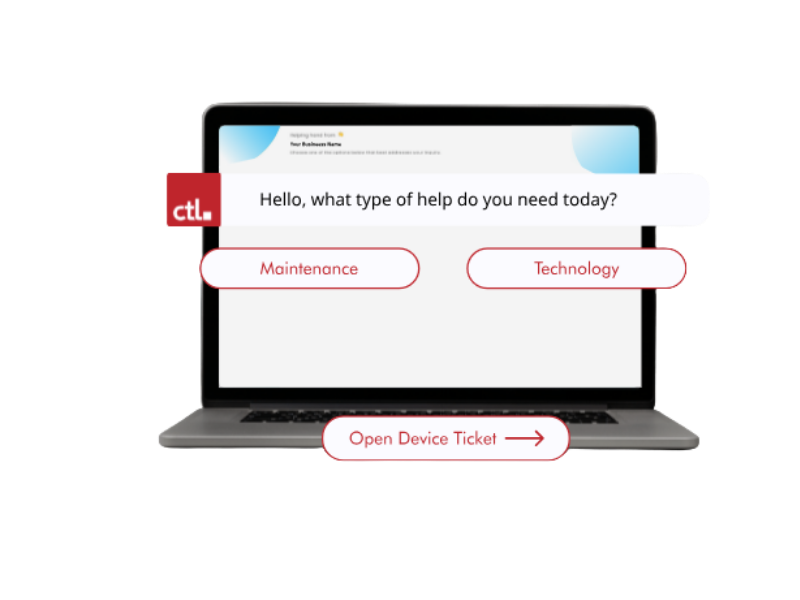
Rocket by CTL offers K–12 asset management and help desk tools for tracking device assignments, locations, status, and repairs.

Use those tools to help your team answer:

  • Which devices are assigned to the library?
  • Where are loaners currently located?
  • Which devices are awaiting repair?
  • What needs attention before the next inventory review?

Dedicated desktops. Flexible Chromebooks. More opportunities to learn

Let’s Equip Your School Library for What Comes Next

Tell us about your library spaces, grade levels, intended uses, device quantities, budget, and timeline. CTL can help you explore Chrome All-in-One Desktops and Chromebook options for in-library use and lending.

Your One EdTech Lifecycle Partner

Count on CTL for a customized, service-focused experience. Only CTL delivers the OEM-expert services and support you need throughout the life cycle of your program.

Work with your solutions consultant to customize a program for your needs.

Why CTL?

Dedicated ChromeOS expertise across all device categories

FAQ

Should our school library choose Chrome All-in-One Desktops or Chromebooks?

OPS All-in-One desktops suit dedicated catalog, research, and independent workstations. Chromebooks suit flexible seating, group activities, and lending. Your library may benefit from a combination based on its space and student needs.

Can students borrow Chromebooks for use inside the library?

Yes. Schools can establish an in-library checkout process with clear borrowing periods, sign-in procedures, charging expectations, and return locations.

Can our library lend Chromebooks for take-home use?

Schools can plan take-home lending around district policies. Confirm internet access or test offline workflows, device management, support, and return expectations before launching the program.

Will these devices work with our existing library systems?

Compatibility depends on your applications and peripherals. Ask district IT to test your catalog, digital resources, authentication, printing, and accessibility tools before purchasing.

Can these devices work with our existing library systems

That depends on the application and workflow. Evaluate the catalog, circulation system, computer reservations, printing and payment tools, assistive technology, and peripherals in a pilot. Do not assume that Windows-only software will run directly on ChromeOS.

What should we include in a school library technology quote request?

Share your planned uses, grade levels, estimated quantities, budget, and timeline. Indicate how many fixed workstations and portable lending devices you are considering, along with any accessory or support needs.

Let's Build a Solution for You.