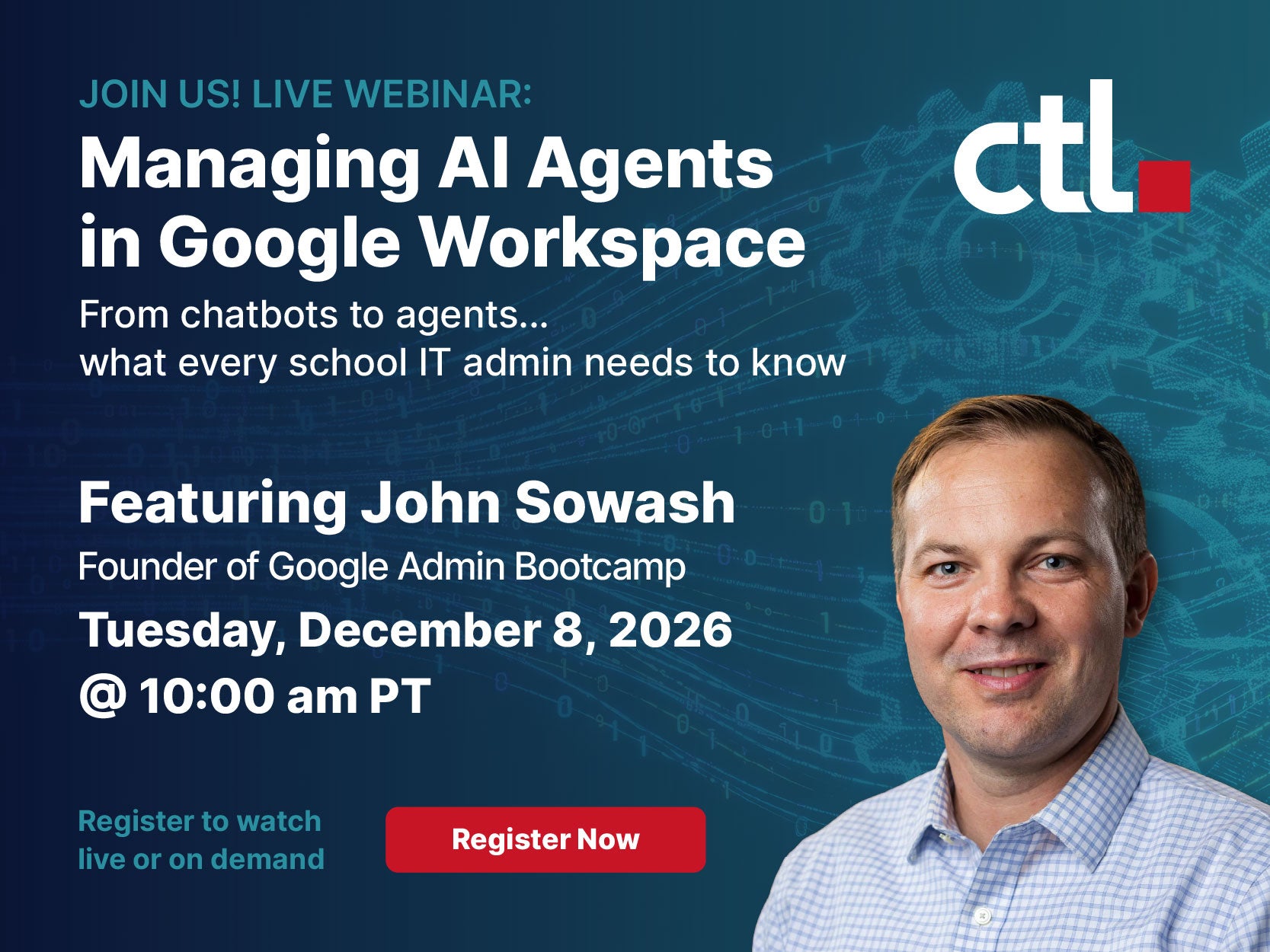

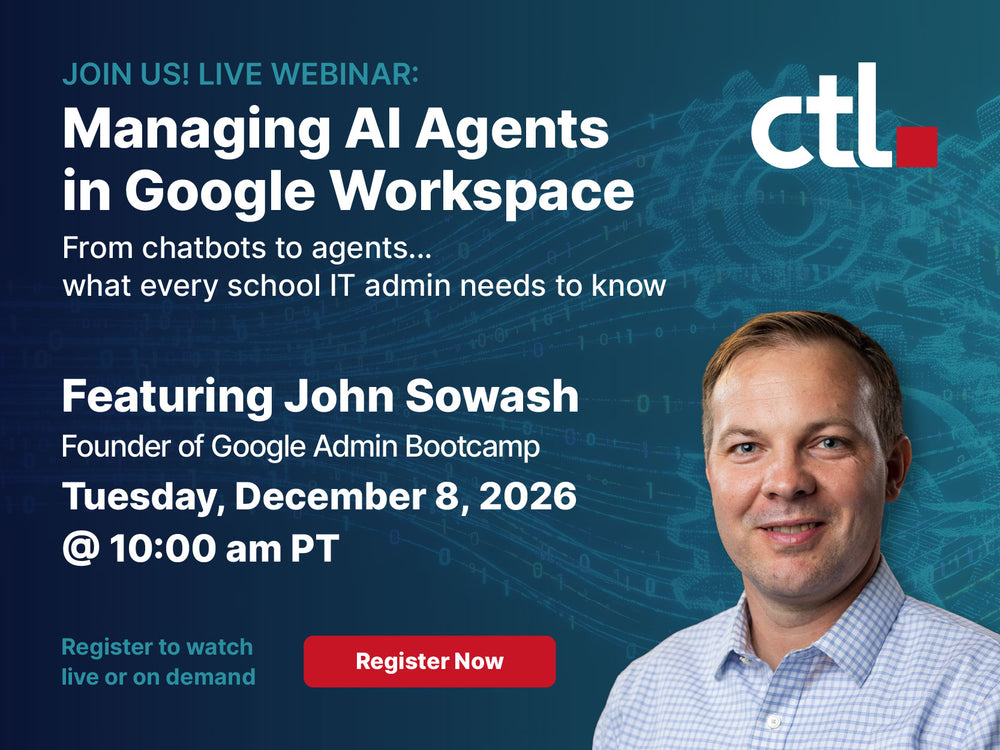

Join CTL Corporation and Certified Google Admin John Sowash for a practical, fast-paced webinar focused on auditing, governing, and restricting AI-powered workflows in Google Workspace. Through live demonstrations, you’ll explore settings and checks that can help your team put stronger guardrails in place.
Seats are limited! Register now!
An AI tool that drafts an email is one thing. An automated workflow that acts on messages, updates files, or connects to other services introduces a different set of questions.
Who created it? What can it access? What triggers it to run? And how can your IT team stop it if something goes wrong?
For school technology leaders, these questions are becoming part of managing Google Workspace. As AI capabilities expand, districts need a clear understanding of the workflows operating in their environment and the permissions behind them.
From Chatbots to Agents: Why the Difference Matters
Many educators first encountered generative AI through a chatbot: ask a question, receive an answer, and decide what to do with it.
AI agents and automated workflows can go further. Depending on their configuration and permissions, they can act across connected applications, create or update files, and carry out tasks when specific conditions are met.
Google Workspace Studio allows users to build flows that automate tasks across Workspace applications and connected services. That can help reduce repetitive work, but it also makes access controls and oversight essential.
A poorly configured workflow could unintentionally change information, generate excessive notifications, or interact with data in ways its creator did not anticipate.
The goal for school IT teams is to understand what is running, establish appropriate boundaries, and know how to respond.
What You’ll Learn with John Sowash
Identify Automated Workflows in Your Domain
You cannot evaluate a workflow you do not know exists.
John will demonstrate a targeted discovery process for reviewing Workspace Studio activity. Learn where to begin looking, how to investigate workflow ownership, and which activity may warrant a closer review.
These checks can help your team turn a broad concern about AI into specific questions about actual use.
Manage Google Workspace Studio Permissions
Access should reflect each user’s role and your district’s policies.
Explore how to manage Workspace Studio availability through organizational units and review the controls that govern its use. You’ll see how a deliberate permissions structure can support an initial rollout, limit access, and give administrators options when a workflow needs to be stopped.
Review Third-Party Access to Workspace Data
Your oversight should extend beyond Google’s native tools.
The session will cover reviewing API permissions and connected applications, including external AI tools requesting access to Workspace data. Learn how to examine those connections and use administrative controls to restrict unwanted access.
The practical question is simple: which applications have access, and does that access still serve an approved purpose?
Build Human Oversight into Sensitive Workflows
Automation deserves closer attention when it involves student information, staff records, or other sensitive district data.
Explore why human review matters and where approval checkpoints can help reduce unintended actions. The session will also address Google’s applicable terms and policy considerations to help inform your district’s internal review.
Conduct a Focused, 15-Minute Domain Security Audit
A useful webinar should leave you with a clear next step.
John will walk through a focused checklist for reviewing key settings, workflow activity, and connected-app access in the Google Admin console. Use it as a starting point to identify gaps, prioritize follow-up work, and strengthen your district’s AI oversight.
Who Should Attend?
This webinar is designed for K–12 technology directors, Google Workspace administrators, IT staff, and school leaders involved in AI policy and data protection.
Whether your district is exploring automation or already seeing staff interest in AI agents, the session will help you ask better questions and identify practical administrative actions.
Meet the Speakers
John Sowash, Founder, Google Admin Bootcamp
A former classroom teacher and Certified Google Admin, John has helped schools implement Chromebooks and Google Workspace tools for more than a decade. He brings a practical approach to helping educators and administrators understand classroom technology.
John will be joined by:
-
Michelle Manson, VP of Marketing, CTL
-
Jeremy Burnett, VP of Technology, CTL
Together, they’ll connect the changing AI landscape with the day-to-day needs of school technology teams.
Take a Closer Look at Your District’s AI Guardrails
Your next AI conversation should include what these tools can access, what actions they can take, and who is responsible for reviewing them.
Join CTL and John Sowash for practical guidance you can bring back to your team.