

End-of-year Chromebook collection is one of the busiest operational periods for school technology teams. A rushed process can create missing devices, undocumented damage, lost chargers, incomplete records, and a summer repair backlog that delays fall deployment.
The best collection programs begin early and treat check-in as a structured workflow rather than a single event.
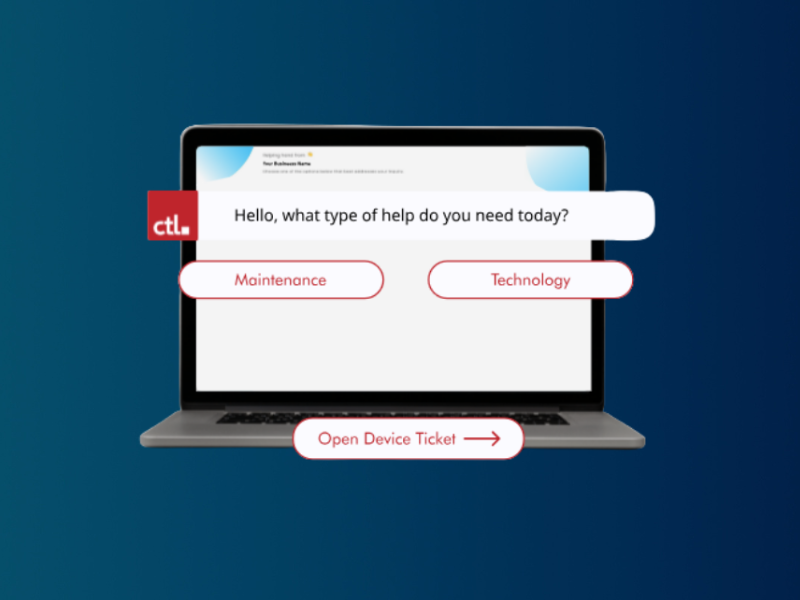
Download the Chromebook Collection Checklist and use Rocket by CTL to organize returns, repairs, and redeployment.
Four to Six Weeks Before Collection
Confirm the collection schedule with school leaders. Review current assignments and identify students with missing, damaged, or previously exchanged devices. Communicate return dates, required accessories, damage expectations, and consequences according to district policy. Prepare translated communications when needed.
Two to Three Weeks Before Collection
Train collection staff and finalize station layouts. Test scanners, labels, forms, carts, bins, and charging equipment. Create clear routes for normal returns, missing accessories, visible damage, devices that will remain assigned, and students who are absent.
Design an Efficient Check-In Flow
A practical station sequence may include identity verification, asset scan, charger check, visual inspection, condition update, receipt or confirmation, and routing. Keep the process moving by separating exceptions from routine returns.
Verify the Correct Device
Do not rely only on the student's name or a handwritten label. Scan the asset tag or serial number and confirm that the returned Chromebook matches the assignment record. Resolve swaps immediately so one incorrect return does not create multiple missing-device cases.
Use Consistent Damage Standards
Create a simple inspection guide for screens, hinges, keyboards, ports, cases, labels, and power adapters. Train staff to distinguish normal wear from chargeable or repairable damage according to district policy. Photograph significant issues when documentation is required.
Handle Chargers and Accessories
Decide in advance whether chargers are individually assigned, checked by type, or counted in bulk. Use clearly labeled bins and separate damaged chargers from usable equipment. Accessory reconciliation should occur during check-in rather than after students leave.
Route Devices Immediately
Use separate carts or areas for ready-to-store, cleaning required, repair needed, missing parts, administrative review, and reassignment. Update the asset status at the same time. Immediate routing prevents devices from becoming an unidentified pile.
Plan for Exceptions
Create procedures for absent students, summer programs, graduating seniors, withdrawals, lost devices, police reports, unpaid fees, and devices retained for accessibility or instructional needs. Assign an owner and deadline to every exception.
Reconcile Inventory Quickly
Run reports daily during collection. Review expected versus returned devices by school, grade, or homeroom. Early reconciliation allows staff to follow up while students and families are still reachable.
Turn Collection Data Into Summer Work
After check-in, prioritize repairs, warranty claims, cleaning, enrollment changes, device retirement, and reimaging. Collection records should feed directly into the summer deployment plan.
Simplify the Process With Better Tracking
Rocket by CTL can help K-12 teams organize asset assignments and statuses before, during, and after collection. Because Rocket is free for K-12 schools, districts can improve collection visibility without adding a major software expense.
Download the Chromebook Collection Checklist and use Rocket by CTL to organize returns, repairs, and redeployment.