

Filter By:
- - Topics -
- Kiosks and Digital Signage
- Chromebooks
- Chromebox
- ChromeOS
- Video Conferencing
- Private LTE and CBRS
- 5G
- Monitors
- Maintenance and repair
- Device rental programs
- Sustainability and responsibility
- Awards and recognition
- Lifecycle Services
- ITAD
- Other
- - Industries -
- Education
- Healthcare
- Government
- Retail
- Contact Centers
- Other corporate
- - Type -
- Article
- Case Study
- Webinars
- E-books and Guides
Reset
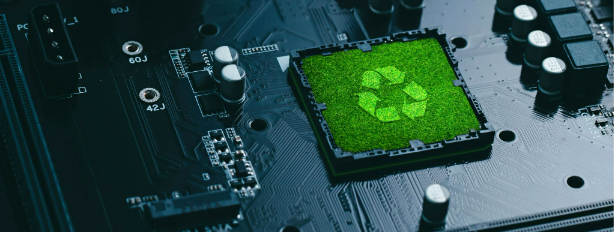
Taking Action for the Environment: Support Companies Prioritizing Sustainability with Repairable Products
Are you concerned about the impact of your consumer choices on the environment? Consider this: sustainable products with repairable parts not only reduce waste but also save you money in the long r...

Google Chromebooks
Google Chromebooks are fast and lightweight laptops that run on the Chrome operating system, providing users with cloud-based programs and tools for work, school, and play. They’re affordable, sec...

Chromebooks for Schools
Chromebooks have become an expected part of the classroom experience and were a critical asset during the pandemic. Chrome OS allows students to access their whole classroom from home, while low p...

The Best Chromebooks for Students
Introducing a comprehensive technology program for K-12 students can be complex, and Chromebooks are an affordable and reliable solution. Schools have done a great job at providing Chromebooks to ...

Chromebook Cases For Students
Students today often use Chromebooks in the classroom and on their way to and from school. To protect their investment, schools should consider buying Chromebook cases for students that fit the sp...

Cheap New Chromebook
Chromebooks offer an affordable and efficient alternative to traditional laptops as they are much lighter and more compact, come with fewer preloaded programs and have fewer bells and whistles. Th...

Install VLC Media Player on your Chromebook
Chrome Unboxed | Guest Contributor
VLC Media Player is an open-source video player that is available cross-platform and is perfect for playing videos that may not run natively on your Chrome OS. ...
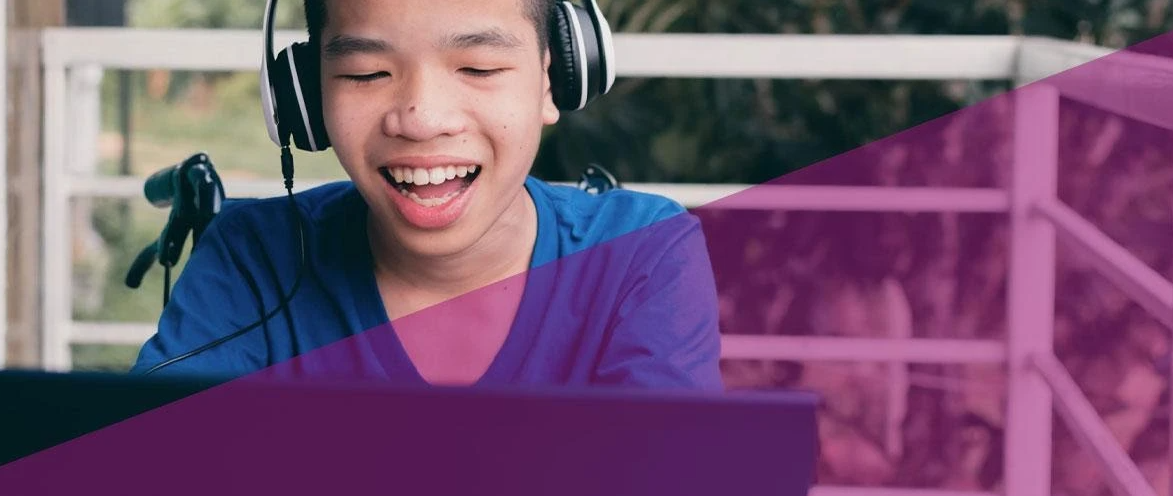
Thinking about Chromebooks for Your Students?
When your school needs laptops for their student or is upgrading from the current system, Chromebooks can be an excellent choice. They can be the perfect tool for both distanced and in-person educa...

How to Disable the Touchscreen or Touchpad on Your Chromebook
Chrome Unboxed | Guest Contributor
The evolution of 2-in-1 and tablet Chromebooks has exponentially expanded the versatility of Chrome OS devices but that doesn’t mean that touch-enabled displays...

Take Advantage of FCC’s Third Round of ECF (Emergency Connectivity Funds) by May 13, 2022!
As you may know, the Federal Communications Commission has opened a third round of funding in the amount of $1 Billion in Emergency Connectivity Fund (ECF) support. But, the application window is s...

Overcoming Remote Work Challenges Using Chrome OS, Part 1: Application Settings and Extensions
Managing a new fleet of devices can be challenging. It’s especially tough when people entirely new to remote work have to learn it from scratch. An excellent solution for many businesses, schools, ...
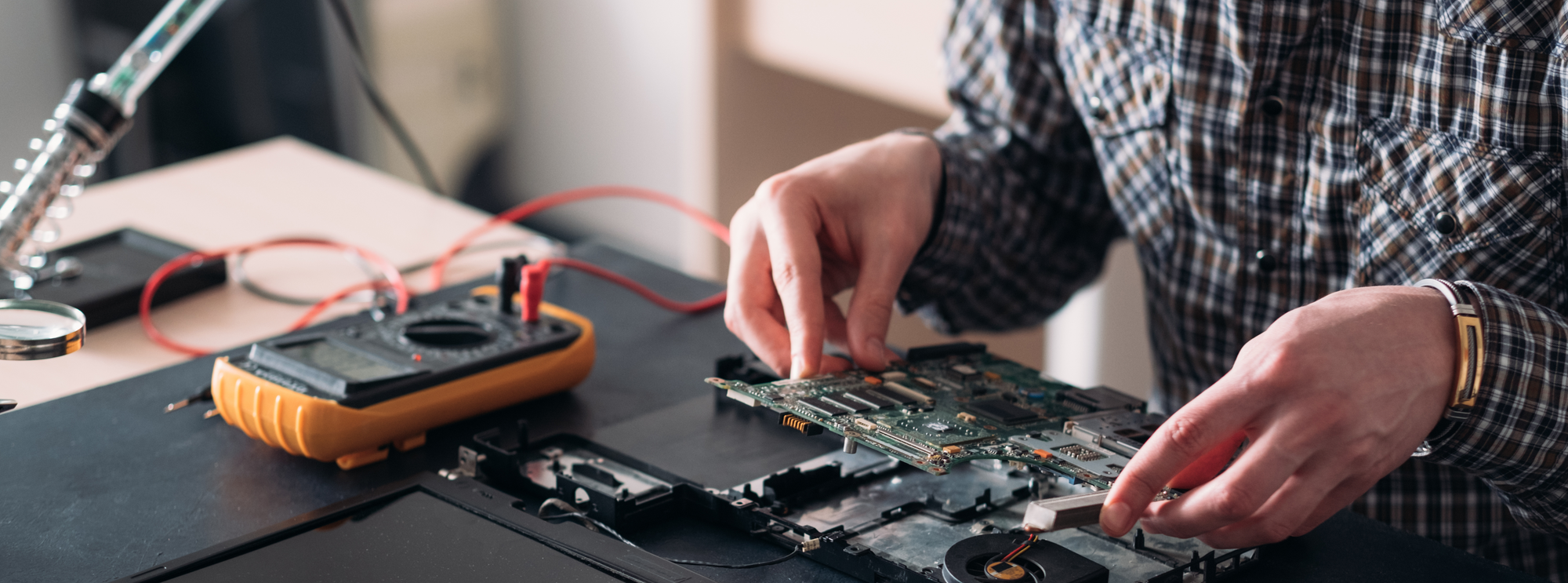
CTL Chromebooks Added to Google's Chromebook Self-Repair Program
Google's Chromebook self-repair program empowers schools to build an in-school CTE repair program for select Chromebook models. Manufacturer supported self-repair programs can give students valuabl...