



In many school districts, the "repair pile" is a constant source of stress for IT departments. But what if those broken screens and missing keys weren't just a maintenance hurdle, but a learning opportunity?
By launching a student-led Chromebook repair program, schools can transform their technical challenges into a powerful Career and Technical Education (CTE) pathway. Based on the CTL Student Chromebook Repair Program, here is your roadmap to building a skilled student technician team.
Why Start a Chromebook Student Repair Program?
Beyond just fixing devices, these programs offer three major wins for a district:
-
Launch career.: Students in grades 8-12 gain hands-on experience in hardware repair, help-desk ticketing, and data privacy—skills that lead directly to IT certifications and jobs.
-
Save district resources. Self-repairing devices significantly reduces lead times and repair costs, keeping more devices in students' hands.
-
Boost pride. When students are responsible for the technology that powers their school, they develop a sense of ownership and professional responsibility.
How to Get Started: The Requirements
CTL offers its Student Chromebook Repair Program FREE of charge to qualifying customers. To get your program off the ground, you’ll need a few essentials:
-
CTL hardware status. You must be a CTL customer with a fleet of at least 50 CTL Chromebooks.
-
Authorized advisor. You’ll need a technical staff member who can be authorized by CTL to lead the course.
-
The right space. A dedicated area with the necessary tools (screwdrivers, pry tools) and organized storage for spare parts.
Step-by-Step: From Setup to Certification
1. Planning and Authorization
Every successful program starts with a plan. Talk to your CTL account manager to verify your qualifications. CTL provides an Advisor Toolkit that includes program design best practices, start-up instructions, and templates for communicating with parents and the community.
2. Setting Up the "Shop"
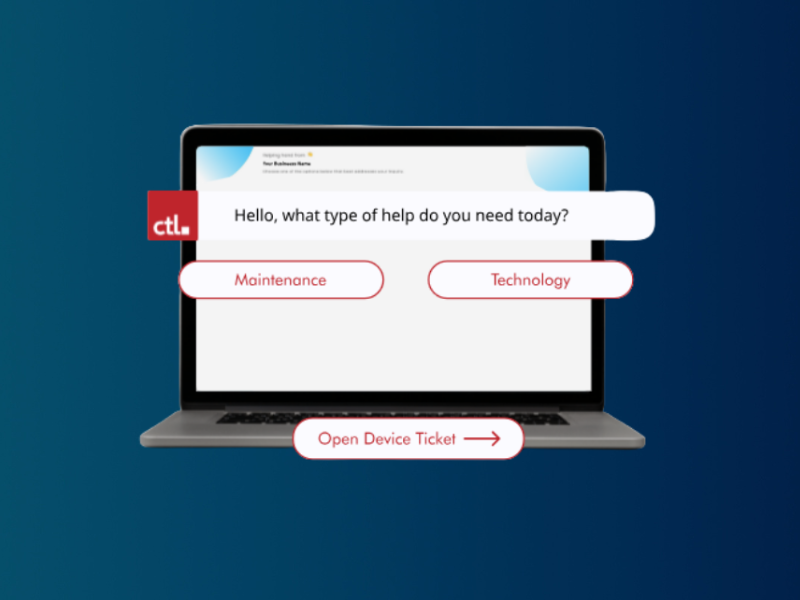
Your students need to act like professional technicians. This means implementing a Ticketing System. Part of the CTL curriculum involves teaching students how to document repairs, manage parts inventory, and follow technical documentation—standard practices in any professional IT environment.
3. Student Training Modules
The CTL program is designed to be a turnkey, flexible curriculum. Students move through digestible written segments and video tutorials covering:
-
Terminology & fundamentals. Learning the "language" of IT.
-
Safety and tools. Foundational skills for handling electronics.
-
Diagnostics. Learning how to troubleshoot a problem before opening the case.
-
Common repairs. Hands-on training for screens, keyboards, and batteries.
-
Data security. Understanding the vital importance of student data privacy.
4. Recognition and Motivation
Acknowledge your students' hard work. The program includes digital badges and "Student Technician" certificates of completion. To foster team pride, CTL even provides stickers and t-shirts for the crew. Students also graduate with a Chromebook Repair Portfolio, giving them a tangible asset to show future employers or college admissions officers.
The Long-Term Impact
A student repair program doesn't just fix Chromebooks; it fixes the "support gap." By empowering students to take the lead, IT directors can focus on high-level infrastructure while students handle the day-to-day maintenance. It is a true win-win for the EdTech lifecycle.