

Filter By:
- - Topics -
- Kiosks and Digital Signage
- Chromebooks
- Chromebox
- ChromeOS
- Video Conferencing
- Private LTE and CBRS
- 5G
- Monitors
- Maintenance and repair
- Device rental programs
- Sustainability and responsibility
- Awards and recognition
- Lifecycle Services
- ITAD
- Other
- - Industries -
- Education
- Healthcare
- Government
- Retail
- Contact Centers
- Other corporate
- - Type -
- Article
- Case Study
- Webinars
- E-books and Guides
Reset

10 Common Technology Asset Management Mistakes K-12 IT Teams Make
Small process gaps can create major inventory problems. Learn which mistakes cause the most device loss, reporting delays, and budget surprises.

How to Track Every Chromebook in Your School District
A step-by-step framework for tracking Chromebooks from receiving and deployment through repair, collection, reassignment, and retirement.

Why K-12 Schools Should Stop Tracking Technology Devices With Spreadsheets
Spreadsheets are easy to start but difficult to scale. Here are the warning signs that your district needs a more dependable device management process.

The Ultimate K-12 Technology Asset Management Checklist Every School Needs
A practical checklist for creating accurate inventory records, assigning devices, documenting repairs, preparing for audits, and planning future refresh cycles.
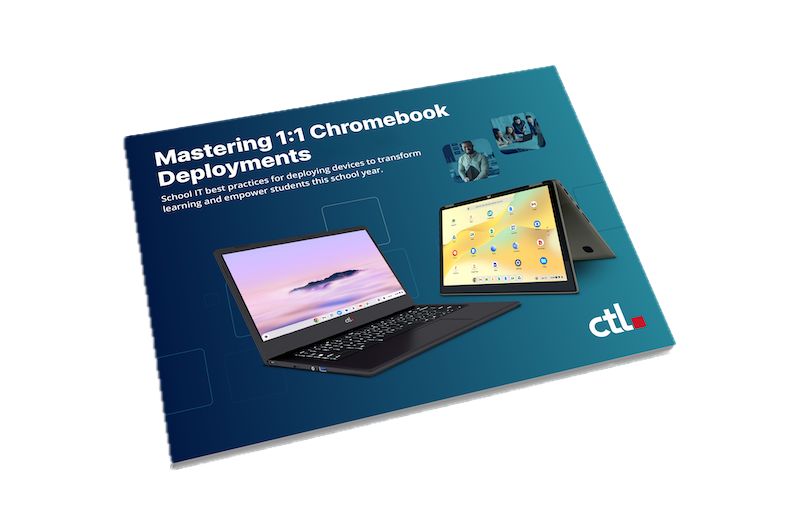
Streamline 1:1 Chromebook Deployments for 2026-27
The clock is ticking down to the new school year, and for K-12 IT teams, that means one major thing: device deployment season is here. Transitioning to or upgrading a 1:1 Chromebook program can fee...

How Baker Charter Schools and CTL Rewrote the Playbook on Virtual EdTech Logistics
For virtual learning programs, a student’s device is their classroom door—but keeping that door open often creates a logistical nightmare for IT departments. Instead of focusing on instructional te...

Why K-12 Tech Leaders Are Choosing All-in-One Desktop Computers with ChromeOS
For the past decade, the K-12 technology landscape has been thoroughly dominated by the 1-to-1 mobile movement. Walk into almost any school, and you will see students opening sleek, lightweight Chr...
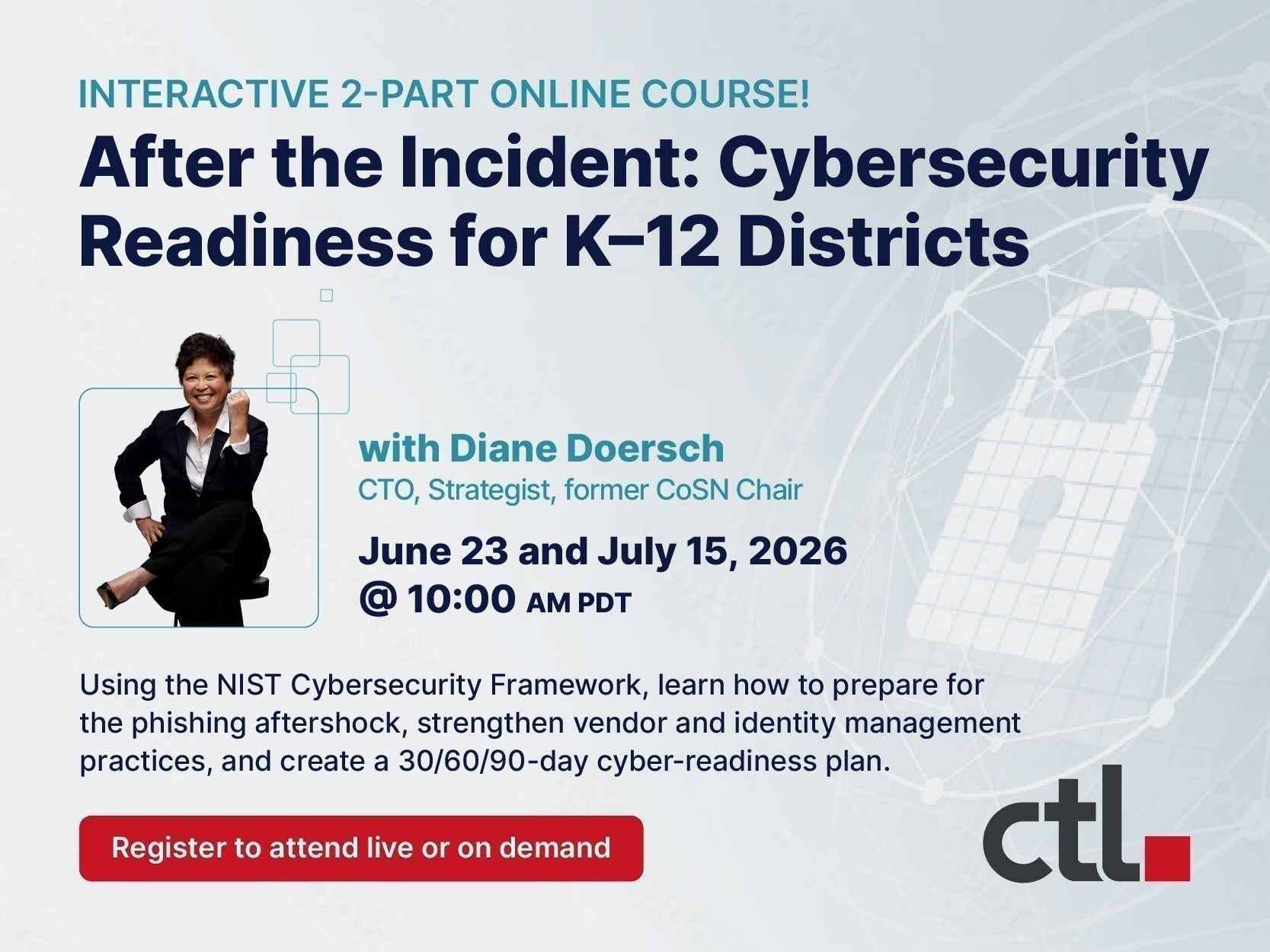
After the Incident - Cyber Readiness for K–12 Districts
Recent K12 cybersecurity incidents are a reminder that K–12 cybersecurity risk does not end when a vendor restores service. Exposed information can fuel highly believable phishing and impersonation...

The Future of Learning: Chromebooks, Googlebooks, and CTL’s Commitment to You
At CTL, our mission has always been to empower educators and students with the most reliable, secure, and manageable technology available. Recently, Google shared an exciting update regarding the e...

How CTL is Partnering with Schools to Empower the Next Generation of Tech Innovators
In modern classrooms, technology isn't just a learning tool—it's the backbone of the entire school day. But when devices break down, screens crack, or software glitches, IT departments can quickly ...

How to Select the Right LTE-Enabled Chromebook for Your School
In today’s K-12 landscape, the "classroom" is no longer confined to four walls. For many students, learning happens at home, in transit, or in areas where traditional Wi-Fi is either unreliable or ...
Why 5G LTE Chromebooks are the Game Changer for Virtual Schools
For virtual school students, the "classroom" is not a fixed location—it’s a home office, a kitchen table, a library, a park, or other remote location. But there is a silent barrier that often stand...